
Bring Your Own Device: What to Verify Before Switching Carriers with Your Phone

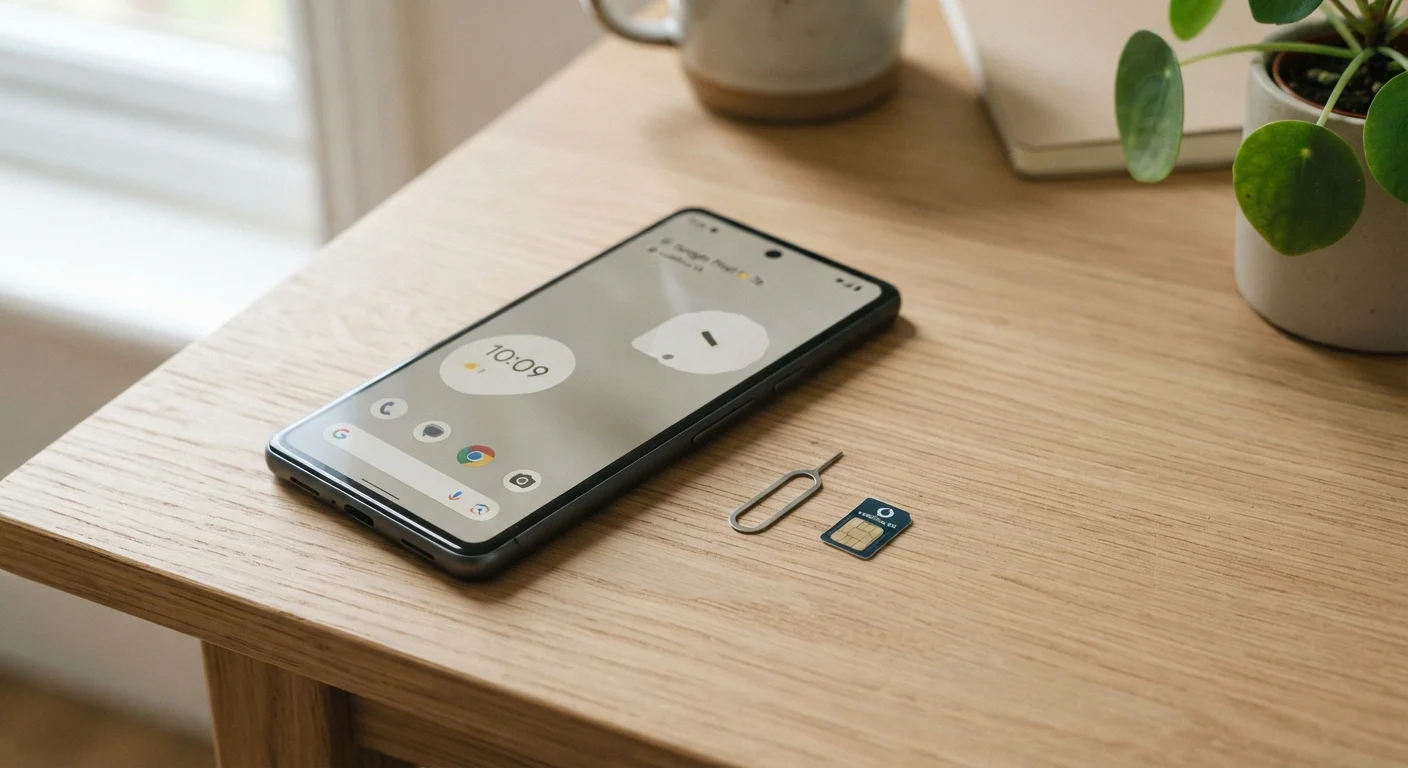
Photo: ScoutAnswers.com | Blogs That Ignite Curiosity editorial
Key Takeaways
- Your phone must be fully unlocked before it can operate on a different carrier's network.
- Network band compatibility - not just technology generation - determines whether calls and data will work.
- Carrier BYOD checkers are a reliable first step, but manual IMEI and band verification adds certainty.
- Some carrier-specific features like Wi-Fi Calling may not work even on otherwise compatible devices.
- Phones purchased directly from manufacturers are typically unlocked and easier to transfer between carriers.
Why BYOD Compatibility Isn't Automatic
Bringing your own device (BYOD) to a new carrier can lower your monthly bill and let you skip the hassle of a new phone purchase. But compatibility is not guaranteed - and assuming it is can leave you with a device that won't make calls, access data, or connect to 5G on the new network.
The core issue is that wireless networks operate on specific radio frequency bands. Even if two carriers both offer 4G LTE and 5G service, they may use entirely different bands to deliver it. A phone hardware-tuned for one carrier's band lineup may function only partially - or not at all - on another's. This is especially relevant in rural areas, where coverage often depends on lower-frequency bands that not all phones support.
Before you request a transfer, take the time to run through each verification step below. Doing so typically takes 15-30 minutes and can prevent a frustrating situation where you're locked into a plan your phone can't fully use. For a broader look at evaluating any wireless plan, see our phone plan checklist before you commit.
What you will need
Step-by-Step: Verifying Your Phone Before You Switch
Follow these steps in order. Each one builds on the last, and skipping ahead may cause you to miss a compatibility problem that only becomes apparent after you've already switched.
Confirm Your Phone Is Unlocked
A locked phone is tied to the carrier that sold it and will not function on another network, even if all other compatibility conditions are met. To check, go to Settings > General > About (on iPhone) or Settings > Connections > SIM Card Manager (on many Android devices). Some phones display lock status directly; others require you to insert a SIM from a different carrier and observe whether service is detected.
If your phone is locked, contact your current carrier. Most carriers will unlock a device once the associated contract or installment plan is paid off and account is in good standing, though exact policies vary.
Find Your Phone's IMEI Number
The IMEI is a unique 15-digit identifier tied to your specific device. Carriers use it to verify what hardware you have and whether it's compatible with their network. Dial *#06# on your phone's keypad to display the IMEI instantly, or locate it under Settings > About Phone > IMEI. You can also find it printed on the original device packaging or inside the SIM tray slot on some models.
Write this number down or screenshot it - you'll need it in the next step.
Run the Carrier's BYOD Compatibility Check
Most major carriers and many MVNOs offer an online BYOD or device compatibility checker. Navigate to the new carrier's website, locate their BYOD or "bring your phone" tool, and enter your IMEI. The tool will typically confirm whether your device is compatible, unlocked (from their perspective), and eligible for their network.
Take note of any caveats the tool surfaces - for example, a device may be marked compatible for voice and basic LTE data but not for 5G or VoLTE.
Cross-Check Network Band Support
BYOD checkers don't always surface granular band-level detail. To go deeper, look up your phone's technical specifications on the manufacturer's website and compare supported LTE and 5G bands against the new carrier's published band list (usually found in their network or coverage FAQ pages).
Key bands to check include low-band frequencies (such as Band 12, Band 71, or Band 5 for LTE) that carry signal further and penetrate buildings more effectively. If you spend time in rural or suburban areas, low-band support is particularly important. Mid-band 5G bands (such as n77 or n41) matter if you want strong 5G performance in urban settings.
Verify Feature Compatibility Beyond Basic Calls
Even a fully compatible phone may lose access to carrier-specific features when moved to a new network. Common examples include Wi-Fi Calling, Visual Voicemail, VoLTE (voice over LTE), and SMS over Wi-Fi. These features depend on agreements between handset manufacturers and individual carriers, not just hardware capability.
Check the new carrier's device compatibility list or contact their support team to ask specifically whether your phone model supports these features on their network. This is especially relevant if you travel frequently and rely on Wi-Fi Calling - see our overview of how carriers handle international roaming for related considerations.
Manufacturer-Unlocked Phones Are Easier to Switch
What to Do If Your Phone Isn't Compatible
If your device fails one or more of these checks, you have a few realistic options. First, contact your current carrier to request an unlock if the phone is still locked - most carriers are required by FCC guidelines to unlock devices once eligibility conditions are met, though specific timelines and requirements vary by carrier and plan.
If band incompatibility is the problem, consider whether a low-cost unlocked device from the manufacturer might serve as a bridge, or whether the new carrier's own device financing would be more economical than losing key network coverage. Some carriers and MVNOs offer a wider range of compatible bands than others - our guide to MVNOs and how they use major networks can help you understand your options. Once you've confirmed compatibility, switching carriers without losing your number is more straightforward than many readers expect.
The content on this site is for informational purposes only and is not a substitute for professional advice. Always consult a qualified professional for guidance specific to your situation.