
Smart Speakers vs. Smart Displays: Which Hub Fits Your Home?

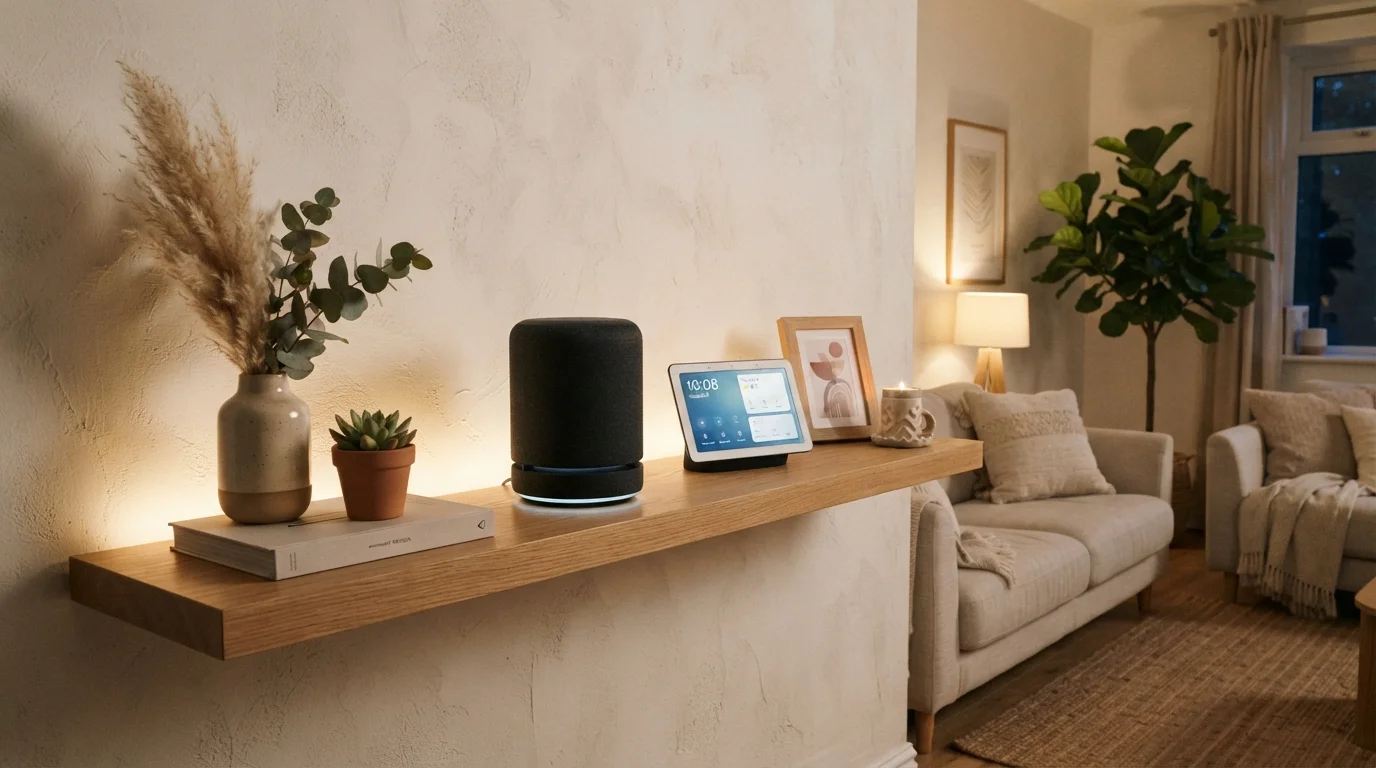
Photo: ScoutAnswers.com | Blogs That Ignite Curiosity editorial
Key Takeaways
- Smart speakers rely entirely on voice and audio output; smart displays add a touchscreen for visual interaction.
- Both categories can control smart home devices, but displays offer visual confirmation and camera-feed monitoring.
- Smart displays consume more power and counter space than comparably capable smart speakers.
- Privacy considerations differ: displays with cameras introduce a visual data dimension that speakers lack.
- Your household's daily routines - not raw specs - should determine which form factor makes sense.
What Each Device Actually Does
A smart speaker is, at its core, a microphone array coupled with a wireless speaker and a voice assistant - such as Amazon Alexa, Google Assistant, or Apple's Siri. You speak to it; it responds in audio. It can play music, answer questions, set reminders, and send commands to other smart home devices, all without you touching anything.
A smart display adds a touchscreen to that same foundation. The screen can show weather forecasts, display video calls, render recipe steps, stream video content, and surface live feeds from compatible security cameras. Most smart displays also include a front-facing camera, which enables video calling but also introduces a visual sensor that speakers lack.
Understanding this distinction matters before you think about how these devices fit into a broader smart home. Both form factors plug into the same ecosystem logic - they relay commands to the cloud, which routes instructions to other connected devices - but the interface layer is fundamentally different.
| Criterion | Smart Speaker | Smart Display |
|---|---|---|
| Primary interface | Voice and audio | Voice, touch, and screen |
| Video calling | Not supported | Supported (with camera) |
| Security camera feeds | Audio status only | Live visual feed on screen |
| Physical footprint | Compact, flexible placement | Larger, requires clear surface |
| Built-in camera | Typically absent | Usually included |
| Ambient display mode | Not available | Clock, calendar, photo slideshow |
| Smart home control | Voice commands with audio feedback | Voice commands with visual confirmation |
| Power consumption | Lower | Higher (screen always on) |
Smart Home Control: Where the Differences Show Up
Both speakers and displays can serve as a hub-like voice interface for lights, thermostats, locks, and other connected accessories. The practical difference appears in feedback. When you ask a smart speaker to dim the lights, you hear a confirmation tone or a spoken acknowledgment. When you ask a smart display, you may also see a visual status update on screen - useful if you want certainty without listening carefully.
For households with multiple device categories - cameras, doorbells, sensors - a display's ability to render live video on demand is a meaningful capability gap. You can say "show me the front door" and see the feed instantly, rather than unlocking a phone and opening an app. That workflow matters more in some homes than others.
Smart displays also typically support ambient clock and calendar views, turning an idle screen into a useful information panel. A speaker, by contrast, is effectively invisible when not responding to a voice prompt.
35%
U.S. adults with a smart speaker at home
According to Pew Research Center data, roughly one-third of American adults reported owning a smart speaker as of a recent survey period.
2x
Typical power draw of a smart display vs. speaker
Industry teardown analyses consistently find that smart displays draw approximately twice the standby power of comparably sized smart speakers due to always-on screens.
Privacy and Always-On Considerations
Both categories involve always-on microphones - a trade-off worth understanding clearly. Manufacturers state that devices listen locally for a wake word (such as "Hey Google" or "Alexa") and only send audio to the cloud after that word is detected. Independent researchers have documented occasional false activations, so some audio does reach cloud servers unintentionally.
Smart displays with cameras extend this concern into the visual domain. A camera pointed at a kitchen or living room, even one that is not actively streaming, represents a different category of potential exposure. Most displays include a physical shutter or hardware disconnect for the camera and microphone - a meaningful safeguard. For a fuller look at what data these devices collect and how to manage settings, see the privacy trade-offs of always-on devices.
If a camera in a common area raises concerns for your household, a smart speaker eliminates that variable entirely while still providing voice assistant functionality.
Hardware Mute Is Different From Software Mute
Choosing Based on Your Household's Routines
Specifications matter less than daily use patterns. A household that primarily asks for music, weather, and quick unit conversions will get full value from a smart speaker. One that regularly video-chats with family, follows along with video recipes, or wants to glance at security camera feeds gains tangible utility from a display's screen.
Physical placement is also worth considering. Smart displays are typically larger and require a power outlet in a visible location - a kitchen counter or nightstand. Smart speakers can fit almost anywhere with power access, including bookshelves and bathrooms. If you're still building out your connected home ecosystem, understanding how devices, apps, and the cloud fit together can help you think through where each device type makes the most sense.
It's also worth noting that speakers and displays are not mutually exclusive. Many households use a speaker in one room and a display in a central space, letting each form factor serve where it fits naturally. There's no single correct configuration - the right answer depends on how your household actually moves through the day.
The content on this site is for informational purposes only and is not a substitute for professional advice. Always consult a qualified professional for guidance specific to your situation.