
What 'Smart Home' Actually Means - and How It Works

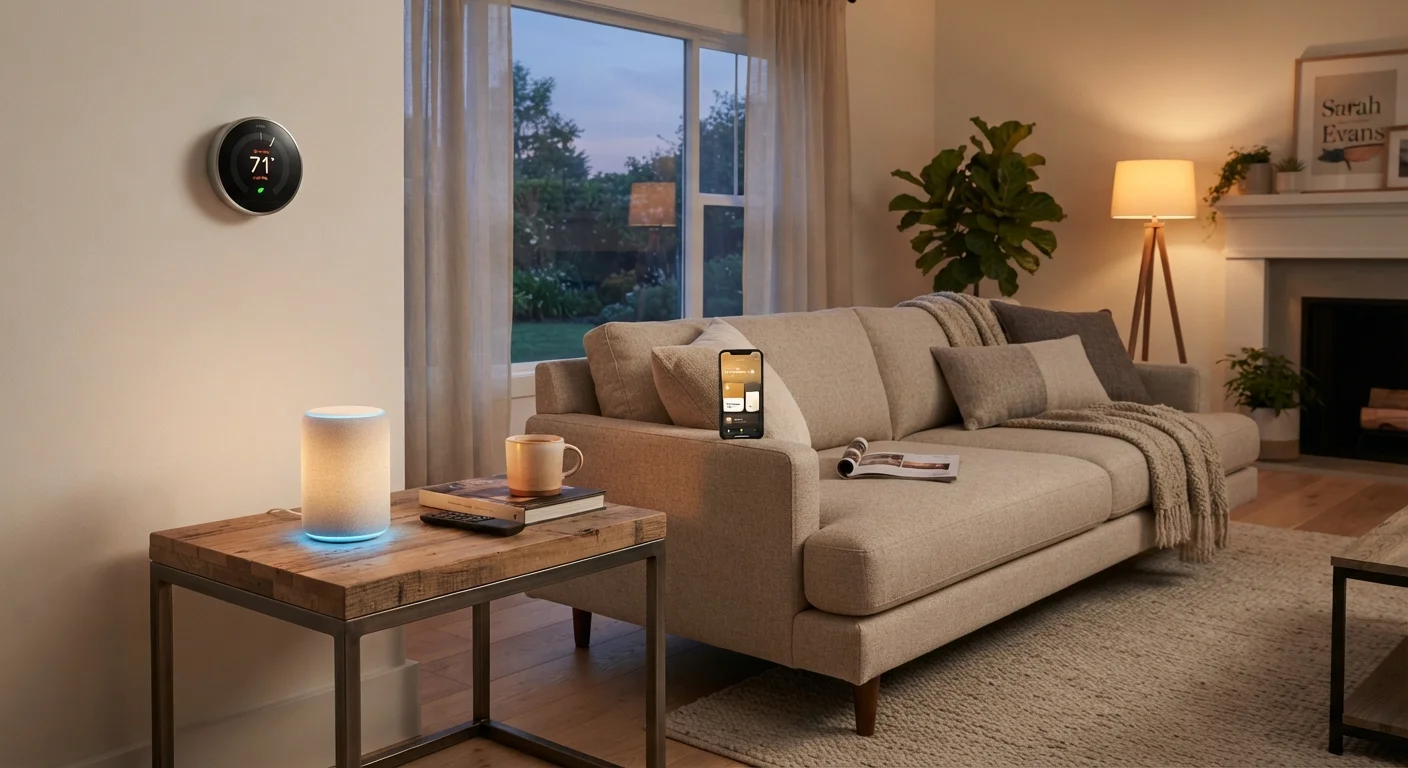
Photo: ScoutAnswers.com | Blogs That Ignite Curiosity editorial
Key Takeaways
- A smart home is defined by internet-connected devices that can be controlled remotely or automated.
- Most smart home setups rely on a combination of devices, a wireless protocol, a hub or app, and a home internet connection.
- Devices from different brands don't always work together - compatibility depends on the protocol and ecosystem they use.
- You don't need a whole-home overhaul; a single smart device is enough to start.
- Automation - scheduling or triggering actions automatically - is what separates a truly 'smart' home from just a remote-controlled one.
The Core Idea: Connected, Controllable, Automated
Strip away the marketing and a smart home comes down to three ideas: connection, control, and automation. Any device that links to a network and can be directed remotely qualifies as a smart device. String several of those together with a shared way of communicating, and you have a smart home.
The connection part usually means Wi-Fi or a short-range wireless protocol (more on that shortly). Control typically happens through a smartphone app or a voice assistant. Automation is where things get genuinely useful - instead of manually switching off lights each night, you set a rule and it happens on its own.
What a smart home is not is a single product or a single brand. It's a layered system - hardware, software, and network - that you build over time, starting with whatever makes sense for your household.
~60%
U.S. adults who own at least one smart home device
According to Statista research published in 2023, roughly six in ten American adults have adopted at least one connected home product.
3-5 devices
Average number of smart devices in adopter households
Industry surveys consistently find that smart home adopters cluster around a small number of devices, most commonly smart speakers, lighting, and thermostats.
Matter (2022)
Year the major interoperability standard launched
The Connectivity Standards Alliance released Matter 1.0 in late 2022, backed by most major device and platform manufacturers, aiming to simplify cross-brand compatibility.
How Smart Devices Actually Talk to Each Other
Every smart device needs a way to send and receive signals. The method it uses - called a wireless protocol - determines which other devices it can interact with and how reliably it does so.
Wi-Fi is the most familiar option. Devices that connect directly to your router are easy to set up but can crowd a busy network. Zigbee and Z-Wave are lower-power protocols designed specifically for home automation; they form a mesh network where devices relay signals through each other, improving range and reliability. Thread is a newer mesh protocol built with interoperability in mind.
Because protocols differ, a Zigbee bulb and a Z-Wave lock won't naturally speak to each other. That's where a hub comes in - a central device that translates between protocols and ties everything together. Some routers and smart speakers have hub functionality built in. For a deeper look at how these protocols compare, see our guide to smart home wireless protocols.
Mesh Networks vs. Star Networks
The Role of the Cloud - and What Happens Without It
Most consumer smart home devices offload processing to remote servers - commonly called the cloud. When you tap a button in an app to dim your lights, that command often travels from your phone, up to a manufacturer's server, back down to your home, and finally to the bulb. This round-trip happens in fractions of a second under good conditions.
The downside is dependency. If the manufacturer's server goes offline, or your home internet connection drops, some devices may stop responding entirely. Local processing - where commands are handled on a hub inside your home - avoids this, but not all devices support it.
Understanding this distinction matters for reliability. A door lock that requires cloud access to unlock is a different risk profile than one that processes commands locally. The connected home ecosystem explainer covers how these layers interact in more detail.
Getting Started Without Overcomplicating It
The most common mistake new smart home users make is buying too much at once without a plan. A single device - a smart thermostat, a connected plug, or a voice-controlled speaker - is a perfectly valid starting point. It lets you learn how your home's network handles connected devices before you add complexity.
Before purchasing anything, it's worth checking what platform the device supports. Major voice and mobile platforms each have associated ecosystems, and choosing devices that are compatible from the start saves frustration later. The emerging Matter standard is designed to reduce this friction by letting devices from different brands work together natively - our Matter explainer explains what that means in practice.
If you want a structured path from zero devices to a functional setup, the first connected home guide walks through common starting points and pitfalls to avoid.
“The value of a smart home isn't in the devices themselves - it's in what they do without you having to think about it. Automation that saves you time or energy is useful; gadgetry for its own sake usually isn't.”
— Consumer Technology Association, U.S. trade association for the consumer technology industry
Frequently Asked Questions
The content on this site is for informational purposes only and is not a substitute for professional advice. Always consult a qualified professional for guidance specific to your situation.