
Your First Connected Home: Building a Setup That Actually Makes Sense

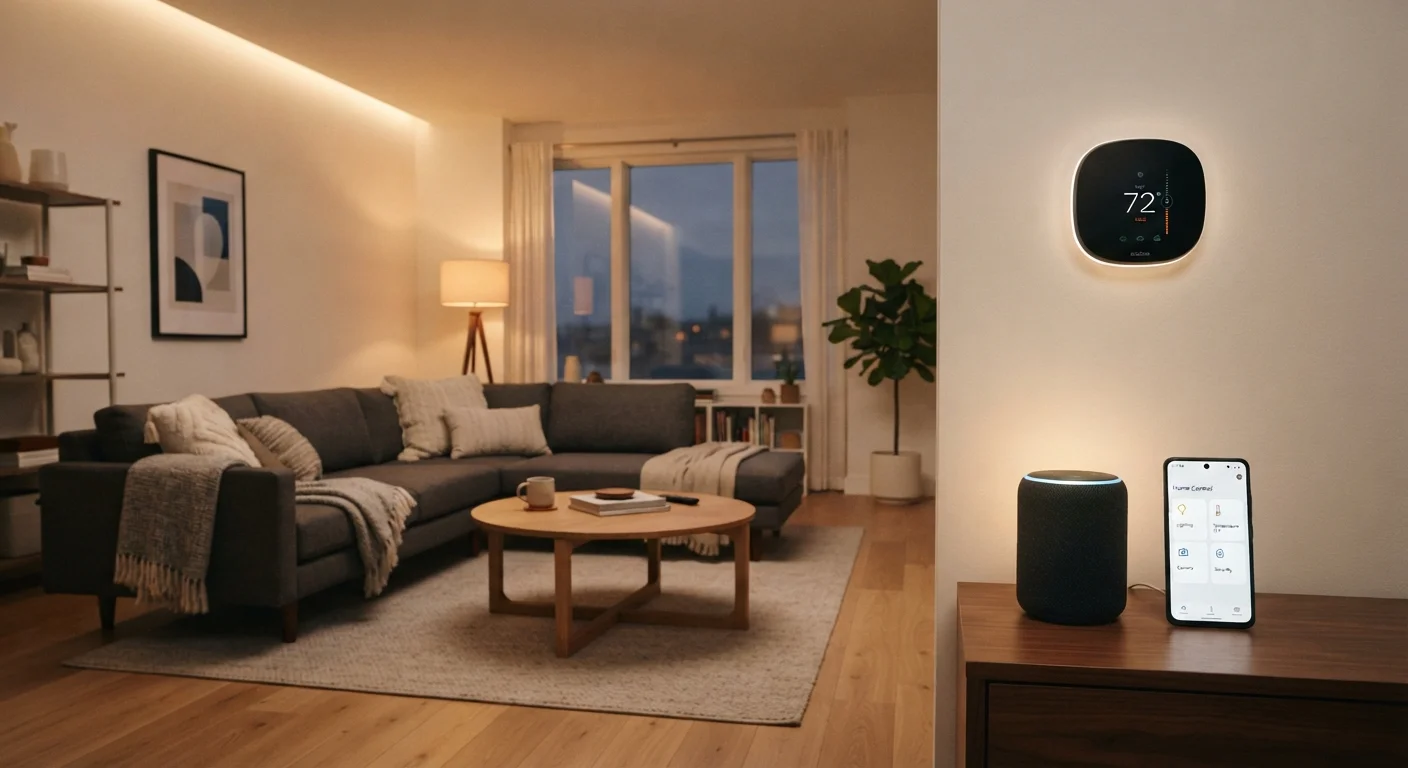
Photo: ScoutAnswers.com | Blogs That Ignite Curiosity editorial
Key Takeaways
- A reliable home Wi-Fi network is the non-negotiable foundation of any smart home setup.
- Starting with two or three purposeful devices is more effective than buying many at once.
- Ecosystem compatibility - whether devices share an app or protocol - determines how well your setup works together.
- The Matter standard is improving cross-brand compatibility, but gaps still exist.
- Strong passwords and regular firmware updates are the two most important security habits.
- A connected home can be built incrementally; you don't need to commit to a full overhaul upfront.
What a Connected Home Actually Is
A connected - or smart - home is simply a living space where devices can communicate with each other, with you, or with the internet to perform tasks automatically or on demand. That might mean lights that dim on a schedule, a thermostat that adjusts when you leave the house, or a doorbell that sends a video clip to your phone.
The term covers a wide range of complexity. At the simple end: a single smart plug controlled by an app. At the sophisticated end: dozens of devices coordinating through automations, voice commands, and sensors. For a deeper look at the underlying concepts, see what a smart home actually means and how it works.
The key insight for beginners is that a connected home is not a single product you buy - it's a system you build gradually, one device at a time.
The Foundation: Your Home Network
Every smart home device ultimately depends on your home network. Before adding any connected device, it's worth confirming your Wi-Fi setup is solid. Dead zones, slow speeds, or an overloaded router can cause devices to drop offline, respond slowly, or behave erratically - frustrations that beginners often mistake for a device problem.
A modern router that covers your entire home is the starting point. Mesh Wi-Fi systems - which use multiple units to blanket larger homes in signal - have become more accessible and are worth considering if your space is over 1,500 square feet or has thick walls. For a thorough grounding in home internet setup, this first-timer's home internet primer covers service types, equipment, and what to expect from your provider.
Check Your Wi-Fi Before Buying Devices
Where to Start: The First Three Devices
Resist the impulse to automate everything at once. A focused first purchase helps you learn how your setup works - and what you actually want - before committing further. Three categories are consistently useful for beginners:
- Smart plugs: Plug any lamp or appliance into a smart plug and instantly gain on/off scheduling and remote control. No wiring, no permanent installation.
- Smart lighting: Controllable bulbs or switches let you set schedules, dim rooms, and - in some systems - change color temperature. Switches require installation at the wall plate; bulbs simply screw in.
- A voice assistant or smart display: A central voice-control hub makes it easier to control multiple devices by speaking rather than opening multiple apps.
Choose two or three of these rather than all of them simultaneously. That gives you a manageable learning curve and a clearer picture of what additions would genuinely improve your day-to-day experience.
Ecosystems and Compatibility: Avoiding the Biggest Pitfall
The most common frustration among new smart home users is discovering that their devices don't work together. This happens because smart home products are often organized into ecosystems - platforms built around a specific app, voice assistant, or hub. Devices within an ecosystem tend to work seamlessly together; devices outside it may not integrate at all.
Before purchasing any device, check which ecosystem it belongs to and whether that ecosystem is compatible with any devices you already own. Understanding how devices, apps, hubs, and cloud services interact is covered in detail in our article on how the connected home ecosystem fits together.
The newer Matter protocol - a cross-industry standard - is designed to reduce this friction by letting devices from different brands communicate over a shared language. It's a meaningful step forward, but adoption is still partial. Our explainer on the Matter standard and its current limitations is worth reading before you buy.
Ecosystem Lock-In Is a Real Cost
Privacy and Security Basics
Connected devices are internet-accessible endpoints, which means they carry security considerations that a traditional lamp or thermostat does not. The good news is that a small number of habits addresses most of the practical risk:
- Use strong, unique passwords for every device account and your router's admin panel. A password manager makes this manageable.
- Enable two-factor authentication on any app or platform that offers it.
- Keep firmware updated. Manufacturers regularly release updates that patch security vulnerabilities. Most modern devices allow automatic updates - turn this on.
- Separate your IoT devices onto a guest network if your router supports it. This limits what a compromised device can access on your main network.
No connected system is risk-free, but these steps meaningfully reduce your exposure without requiring technical expertise.
Building Out Over Time
Once your foundation is solid and your first devices feel natural to use, expansion becomes straightforward. Common next steps include smart locks, video doorbells, leak or smoke sensors, and connected thermostats. Each addition should answer a genuine need rather than filling a category for its own sake.
As your home evolves - through renovation, new furniture, or a move - your smart home setup will need to adapt too. If you're setting up a new space entirely, thinking about smart home infrastructure alongside decisions like furniture placement and room layout can save you from awkward cable runs or poorly positioned devices later. Similarly, homebuyers can find guidance on integrating smart features into a property search at our buying a home hub.
The most important mindset for a first-time connected home builder is patience. Start small, learn the system you've chosen, and add only what genuinely improves how you live in your space.
Connected Home Ecosystem Explained
Understand how devices, apps, hubs, and cloud services layer together - essential reading before you expand your setup beyond a few devices.
Matter Standard Overview
A detailed look at the Matter interoperability protocol - what it does, which devices support it, and where it still falls short for everyday users.
Home Internet Primer
If your network needs a tune-up before adding smart devices, this plain-language guide covers service types, router setup, and realistic speed expectations.
Frequently Asked Questions
The content on this site is for informational purposes only and is not a substitute for professional advice. Always consult a qualified professional for guidance specific to your situation.