
Home Internet from the Ground Up: A First-Timer's Primer

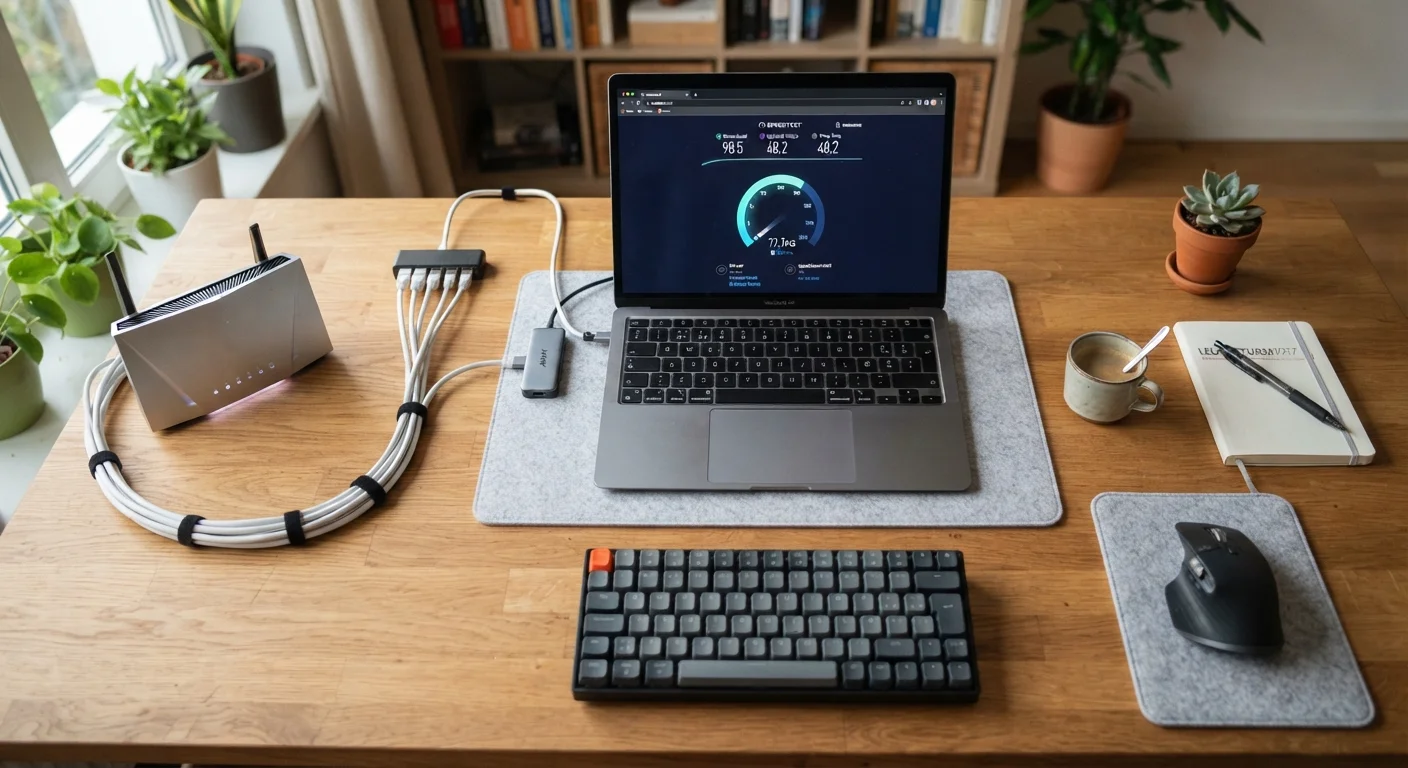
Photo: ScoutAnswers.com | Blogs That Ignite Curiosity editorial
Key Takeaways
- Four main service types - fiber, cable, DSL, and fixed wireless - are available depending on your location.
- Download speed affects how fast content reaches you; upload speed matters for video calls and sharing files.
- Your modem connects to the network; your router distributes Wi-Fi inside your home.
- Many providers charge equipment rental fees - buying your own compatible hardware often costs less over time.
- Data caps and contract terms vary widely and are worth reading before you sign up.
- Rural addresses typically have fewer options, but satellite and fixed wireless availability is expanding.
How Home Internet Actually Works
Home internet is a physical connection between your residence and a provider's larger network, which in turn links to the broader internet. Data travels as electrical signals, light pulses, or radio waves depending on the technology your provider uses - then converts into the web pages, video streams, and messages you interact with daily.
An ISP (Internet Service Provider) is the company that maintains that infrastructure and sells you access to it. Once a signal reaches your home, a device called a modem decodes it, and a router distributes it to your phones, computers, and other devices - either over Wi-Fi or through physical ethernet cables.
ISP
An Internet Service Provider is the company that owns the infrastructure connecting your home to the internet and charges you for access to it.
Bandwidth
The maximum amount of data that can travel through your connection at once, typically expressed in Mbps. Higher bandwidth means more data can move simultaneously.
Latency
The time it takes for a small packet of data to travel from your device to a destination and back, measured in milliseconds. Lower latency means faster response times.
Download speed
How quickly data travels from the internet to your device. It affects how fast pages load, videos stream, and files arrive on your computer.
Upload speed
How quickly data travels from your device out to the internet. It matters most for video calls, sending files, and cloud backups.
Data cap
A monthly limit set by your ISP on how much data you can use. Exceeding it may result in slower speeds or extra charges depending on your plan.
The Main Types of Internet Service
The technology your ISP uses to deliver internet to your home affects speed, reliability, and cost. Four types cover the vast majority of U.S. households:
- Fiber optic: Transmits data as light through glass cables. Generally the fastest and most reliable option, with symmetrical upload and download speeds.
- Cable: Uses the same coaxial cable infrastructure as cable TV. Widely available and capable of high download speeds, though upload speeds are typically lower.
- DSL: Delivered over traditional phone lines. Speeds are more limited than cable or fiber, but coverage reaches areas where newer infrastructure hasn't arrived.
- Fixed wireless: A ground-based antenna on your property receives a signal from a nearby tower. No cable required, making it practical in areas that are difficult to wire. Speeds and reliability vary based on terrain and tower proximity.
Satellite internet is a fifth option for households where none of the above reach. It offers broad geographic coverage but typically involves higher latency - the small delay in data travel - which can affect real-time activities like video calls or online gaming.
For a detailed breakdown of how each technology compares, see our guide to fiber, cable, DSL, and fixed wireless. If you live outside a metropolitan area, home internet options for rural and remote addresses covers what's typically available.
Understanding Speeds and Data
Internet speed is measured in megabits per second (Mbps) or, for very fast connections, gigabits per second (Gbps). Two numbers matter: download speed, how fast data arrives at your device, and upload speed, how fast your device sends data outward.
Download speed drives most everyday experiences - loading web pages, streaming video, downloading files. Upload speed becomes critical for video conferencing, cloud backups, and sharing large files. Many cable plans advertise high download speeds but significantly lower upload speeds; fiber plans more often offer comparable speeds in both directions.
Advertised speeds represent the maximum under ideal conditions. Real-world performance depends on network congestion, the quality of wiring inside your home, the age of your devices, and how many users are online simultaneously. Common speed misconceptions often lead households to overpay for tiers they don't need - or underbuy and experience frustration during peak hours.
Test Your Speed After Setup
Some ISPs apply data caps - monthly limits on total data consumed. Exceeding a cap may result in reduced speeds or additional charges. Check the plan details carefully before committing, especially if your household streams a lot of video or works from home regularly.
Equipment: Modem, Router, and Gateway
Your ISP will typically offer to rent you equipment, but understanding what each piece does helps you make smarter decisions about whether to rent or buy.
- Modem
- Translates the signal from your ISP's network into a format your home devices can use. Must be compatible with your specific ISP and service type.
- Router
- Creates your home's local Wi-Fi network and manages traffic between connected devices. Controls signal range, security, and the number of devices you can connect simultaneously.
- Gateway
- A combined modem and router in one unit. Convenient and common, though separate devices can sometimes offer better performance or flexibility.
Renting equipment from your ISP is convenient but can cost $10-$15 per month - adding up to hundreds of dollars over a two-year period. Purchasing your own approved hardware eliminates that ongoing fee. Always confirm a device is on your provider's compatibility list before purchasing.
Renting vs. Buying Equipment
For a deeper dive into the technical language that appears in ISP contracts and equipment settings, the Home Internet Glossary is a useful reference.
Choosing a Provider and Setting Up
Your first step is identifying which ISPs serve your specific address - availability varies significantly by neighborhood and building type. ISP websites typically have address-check tools, and several independent databases aggregate coverage information by ZIP code.
When evaluating plans, look beyond the headline monthly price:
- Contract terms: Some plans lock you in for one to two years with early-termination fees; others are month-to-month.
- Promotional pricing: Introductory rates often increase after 12 months. Ask what the standard rate is after any promotion ends.
- Installation fees: Self-install kits are often free or low-cost; technician visits may carry a charge.
- Equipment costs: Clarify whether equipment rental is included or billed separately.
Once you've signed up, most providers send a self-install kit for cable or DSL service. Follow the included instructions to connect the modem to the coaxial or phone jack, power it on, then connect and configure your router. Fiber installations more commonly require a technician to install an ONT (Optical Network Terminal) at your home - the fiber equivalent of a modem.
After your connection is live, consider what connected devices you'll be adding to your network. Our guide to building your first connected home walks through expanding beyond basic internet access. If you ever need to switch providers later, switching internet providers without losing a day of connectivity covers the process step by step.
Frequently Asked Questions
The content on this site is for informational purposes only and is not a substitute for professional advice. Always consult a qualified professional for guidance specific to your situation.