
Internet Speed Myths That Keep Misleading Subscribers

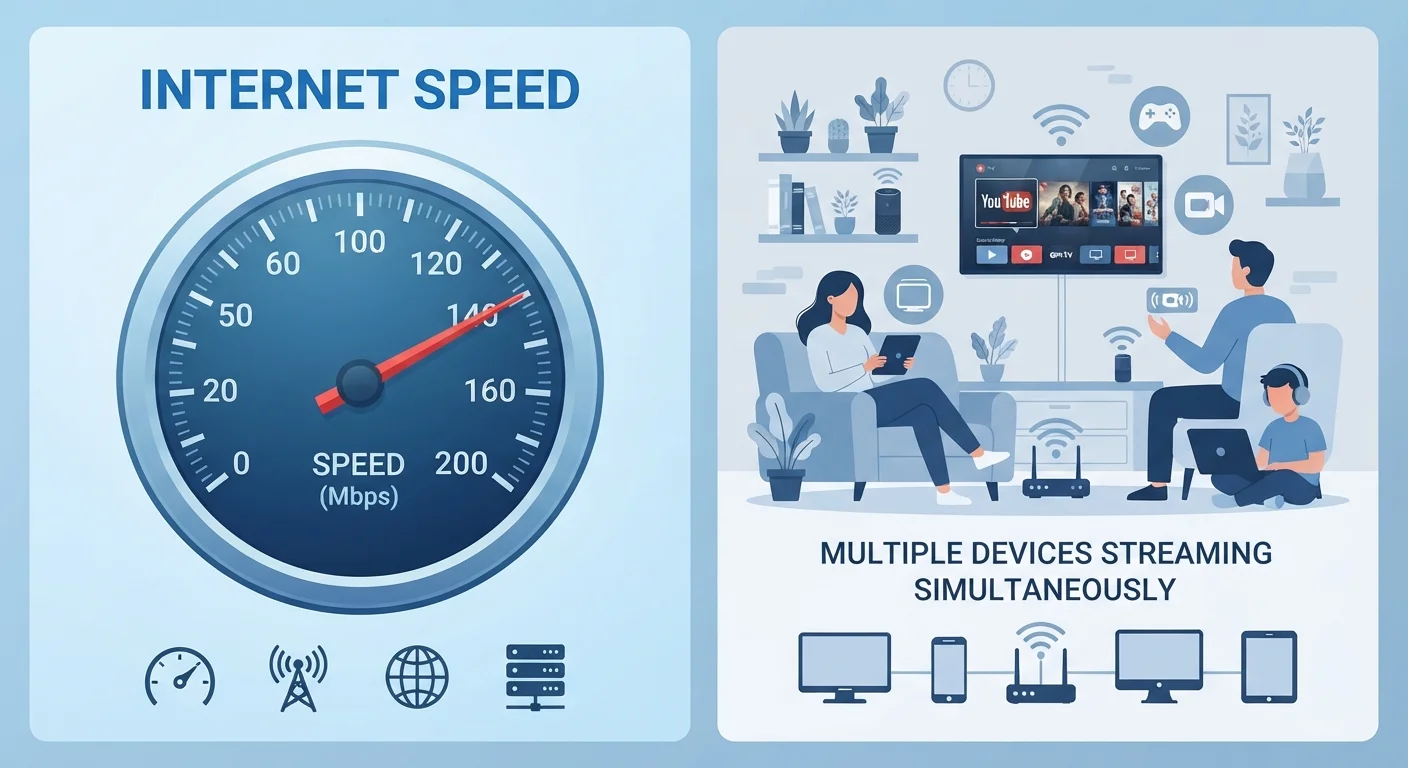
Photo: ScoutAnswers.com | Blogs That Ignite Curiosity editorial
Key Takeaways
- Advertised speeds are maximums, not guaranteed minimums - real-world performance is typically lower.
- Most households streaming 4K video do not require gigabit internet plans.
- Upload speed matters as much as download for video calls, backups, and remote work.
- Latency - not raw bandwidth - is the key metric for gaming and video conferencing.
- Wi-Fi bottlenecks, not your ISP plan, are often responsible for slow perceived speeds.
Why Speed Myths Persist
Internet service providers advertise speed in ways that sound impressive but rarely translate directly into the experience subscribers have at home. Terms like "up to 1 Gbps" or "blazing-fast" fill marketing materials, yet many households remain frustrated with buffering, lag, or dropped video calls even on expensive plans. Misunderstandings about what speed numbers actually mean - and what other factors shape real-world performance - leave consumers over-paying, under-equipped, or both.
The misconceptions below are among the most common. Clearing them up can help you make a smarter decision before signing a contract or paying for an upgrade you don't need. For a foundation in the underlying terminology, see the Home Internet Glossary before reading on.
Myth
More Mbps always means a better internet experience.
Fact
Throughput is just one factor; latency, network congestion, and your home hardware often matter more.
Bandwidth describes how much data can move through a connection at once, but it says nothing about responsiveness or consistency. A household on a 200 Mbps cable plan during peak evening hours may experience more buffering than one on a 100 Mbps fiber plan, because cable infrastructure is shared among neighbors. Understanding what those numbers translate to in everyday use is explained in our article on what internet speed numbers actually mean.
Myth
You need gigabit internet to stream 4K video without interruption.
Fact
Major streaming platforms typically require 15-25 Mbps per stream for 4K HDR content - far less than 1,000 Mbps.
Netflix, for example, publishes recommended speeds of around 15 Mbps for 4K Ultra HD. Even a household running three simultaneous 4K streams would need roughly 45-75 Mbps of sustained throughput. Gigabit plans serve specific use cases - large file transfers, households with dozens of simultaneous heavy users, or symmetrical upload needs - but they are not a prerequisite for smooth streaming for most families.
Myth
Advertised speed is what you'll actually get.
Fact
Advertised speeds are theoretical maximums; actual speeds depend on time of day, network congestion, equipment, and connection type.
The phrase "up to" in speed advertising is doing significant legal work. Regulatory guidance from the FCC requires that broadband performance disclosures include typical speed ranges, but the fine print still permits wide variation. Cable networks, which use shared bandwidth in each neighborhood node, can slow considerably during evening peak hours. Fiber connections tend to be more consistent, but no connection is immune to variability. Always check whether your ISP publishes a typical speed range alongside its maximum.
Myth
Upload speed doesn't matter if you mainly browse and stream.
Fact
Upload speed affects video calls, cloud backups, smart home devices, and remote work - activities that have become routine for most households.
When you join a video call, your device is continuously uploading your video and audio feed. Cloud storage services like Google Drive or iCloud sync files in the background using upload bandwidth. Many cable plans offer asymmetric speeds - for example, 300 Mbps download but only 10-20 Mbps upload - which can create a bottleneck for households with multiple remote workers or students. Fiber connections are generally symmetrical, which is one of their practical advantages covered in our honest look at fiber internet.
Myth
Slow internet is always your ISP's fault.
Fact
The majority of in-home speed complaints trace back to routers, placement, interference, or aging equipment - not the ISP connection itself.
The connection entering your home may be performing exactly as contracted, while a router placed inside a cabinet, broadcasting on an overcrowded channel, or running outdated firmware delivers a fraction of that speed wirelessly. Before calling your ISP, run a speed test directly from a device connected via ethernet cable to your modem or gateway. If wired speeds match your plan but Wi-Fi speeds lag, the issue is on your side of the line. Our explainer on modems, routers, and gateways can help you identify where the bottleneck sits.
What Actually Shapes Your Experience
Raw download speed is only one variable in a much larger equation. Latency - the time it takes a data packet to travel from your device to a server and back - has an outsized effect on video calls, online gaming, and interactive applications. A plan with 100 Mbps download and 15ms latency will feel snappier for gaming than a 500 Mbps plan with 80ms latency.
Your home network hardware matters just as much as the plan tier you subscribe to. An aging router broadcasting on a congested 2.4 GHz channel can choke throughput well before your ISP connection becomes the limiting factor. If speeds feel slow, your Wi-Fi setup may be the real culprit, not the plan itself.
15-25 Mbps
Typical 4K stream bandwidth requirement
Major streaming platforms publish recommended speeds in this range for Ultra HD content - a fraction of most modern plan tiers.
~40%
Cable subscribers experiencing peak-hour slowdowns
Industry analyses and FCC Measuring Broadband America reports have consistently documented significant throughput drops on cable networks during evening hours.
Symmetrical
Upload-download parity on fiber connections
Fiber technology delivers equal upload and download speeds - a structural advantage over cable's historically asymmetric architecture.
Connection type also plays a meaningful role. Fiber delivers symmetrical upload and download speeds and is less susceptible to congestion than cable's shared infrastructure. Understanding these distinctions is covered in depth in our comparison of fiber, cable, DSL, and fixed wireless. Before deciding whether to upgrade or switch providers, run a properly conducted speed test - our guide on how to test and interpret your home internet speed explains the right conditions and what results actually indicate.
The content on this site is for informational purposes only and is not a substitute for professional advice. Always consult a qualified professional for guidance specific to your situation.