
Home Internet Glossary: 30 Terms Every Subscriber Should Know

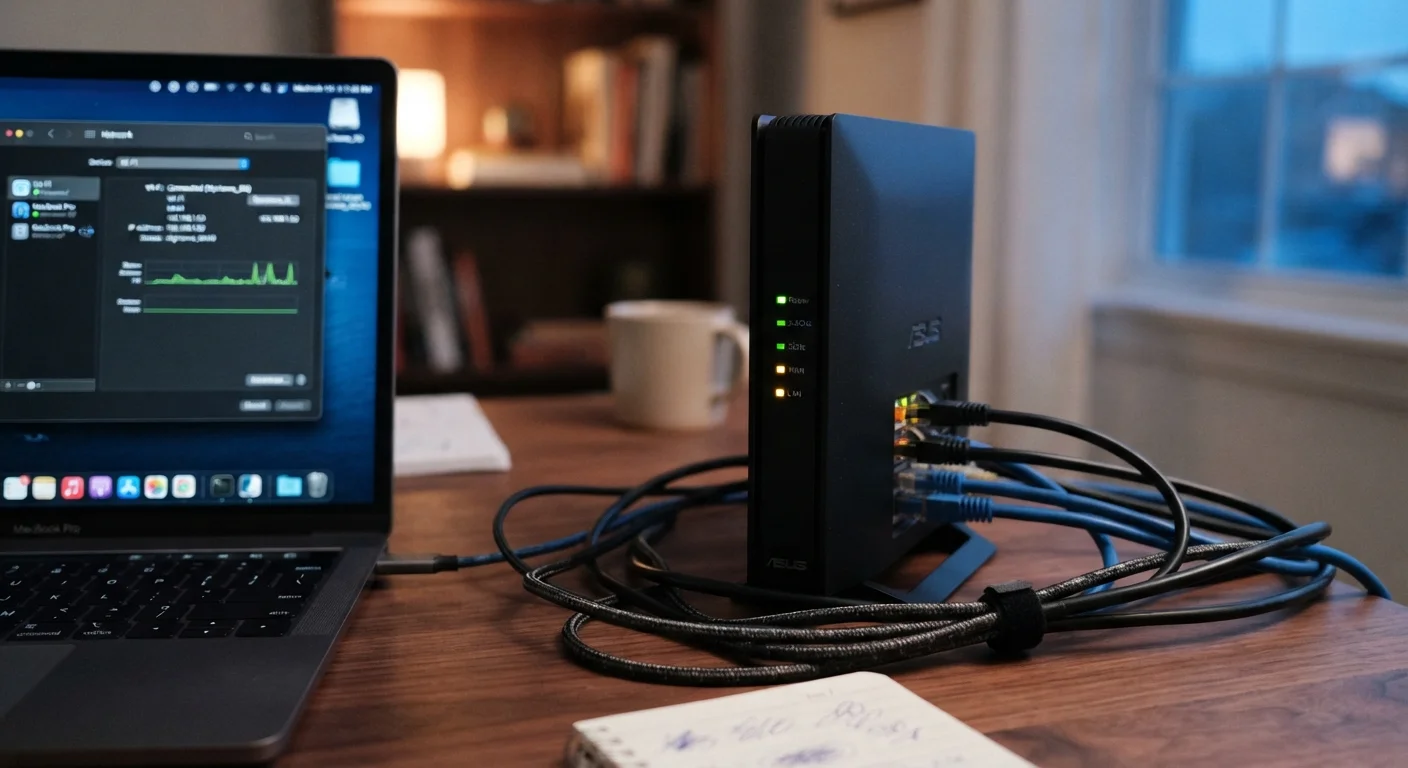
Photo: ScoutAnswers.com | Blogs That Ignite Curiosity editorial
Why This Glossary Exists
ISP service agreements, router admin panels, and speed-test results are packed with technical shorthand. Most subscribers encounter these terms without a clear explanation - and that gap can lead to overpaying for a plan, misconfiguring equipment, or accepting service problems that are actually fixable. This reference defines 30 terms alphabetically grouped by category, in plain English, so you can read contracts and settings with confidence. For a broader orientation to home internet service, see our First-Timer's Primer.
| Standard speed unit | Mbps (megabits per second) |
| Latency threshold for video calls | Under 150 ms is generally acceptable (ITU-T G.114 recommendation) |
| Current Wi-Fi security standard | WPA3 (Wi-Fi Alliance, 2018) |
| IPv6 adoption in the US | Approximately 50% of traffic as of recent estimates (Google IPv6 Statistics) |
| Typical data cap range | 1 TB per month on many cable plans (Common ISP plan terms; verify with your provider) |
| Fiber symmetrical speeds | Equal download and upload (e.g., 1 Gbps / 1 Gbps) (Standard fiber plan architecture) |
Speed, Capacity, and Data
These terms appear on plan marketing pages, speed tests, and monthly bills.
Bandwidth
The maximum amount of data that can travel through a connection in a given time, usually expressed in Mbps or Gbps. Higher bandwidth means more data can move simultaneously - important in households with many devices.
Latency
The time it takes for a data packet to travel from your device to a server and back, measured in milliseconds (ms). Low latency matters most for video calls, online gaming, and real-time applications.
Download vs. Upload Speed
Download speed measures how fast data arrives at your device; upload speed measures how fast your device sends data out. Most residential plans are asymmetric - download speeds are faster than upload speeds.
Data Cap
A monthly ceiling on how much data you can use, set by your ISP. Exceeding it may trigger overage charges, reduced speeds (throttling), or a temporary service block depending on your plan terms.
Mbps / Gbps
Megabits per second (Mbps) and gigabits per second (Gbps) are the standard units for internet speed. One Gbps equals 1,000 Mbps. Note that file sizes are typically measured in bytes, not bits - 8 bits equal 1 byte.
Throttling
A deliberate reduction in your internet speed by your ISP, often triggered after you exceed a data cap threshold or during periods of network congestion under certain plan types.
Modem
A device that connects your home to your ISP's network by translating the signal from your provider's infrastructure (cable line, phone line, fiber, etc.) into a digital signal your router or computer can use.
Router
A device that distributes your internet connection across multiple devices in your home, either via Wi-Fi or ethernet cables. Many ISPs supply a combined modem-router unit called a gateway.
NAT (Network Address Translation)
A process routers use to let multiple devices share a single public IP address. NAT maps each device on your home network to a private internal address, which adds a layer of obscurity from the public internet.
WPA3
Wi-Fi Protected Access 3 - the current security standard for encrypting wireless network traffic. WPA3 replaced WPA2 and offers stronger protection against password-guessing attacks. Check your router settings to confirm which version you're running.
IP Address
A numerical label assigned to each device on a network. Your ISP assigns your home a public IP address; your router assigns private IP addresses to devices inside your home network.
DNS (Domain Name System)
The system that translates human-readable domain names (like example.com) into the numerical IP addresses computers use to find each other. Your ISP provides a default DNS server, but you can change it in your router settings.
For a side-by-side comparison of how different connection types deliver those speeds, see Fiber, Cable, DSL, and Fixed Wireless: What's Actually Different.
Rural Subscribers: Different Terms May Apply
Network Hardware and Security
These terms come up in router settings, equipment rental agreements, and Wi-Fi troubleshooting.
~50%
US internet traffic now over IPv6
According to Google's publicly reported IPv6 adoption statistics, roughly half of US traffic now uses the newer addressing protocol.
150 ms
Maximum latency for acceptable voice quality
The ITU-T G.114 standard recommends one-way delay below 150 ms to maintain acceptable voice call quality over IP networks.
1 TB
Common monthly data cap on cable plans
Many major cable ISPs have standardized a 1 terabyte monthly data threshold, after which overage fees or speed reductions may apply.
If you use smart home gadgets or streaming devices on your network, understanding these concepts also helps you manage connected devices more securely. Explore the Connected Devices hub for more on home electronics and smart home tools. Wireless plan terminology follows its own logic - the carrier terms field guide covers the mobile side of the equation.
The content on this site is for informational purposes only and is not a substitute for professional advice. Always consult a qualified professional for guidance specific to your situation.