
The Hidden Privacy Trade-Offs of Always-On Devices

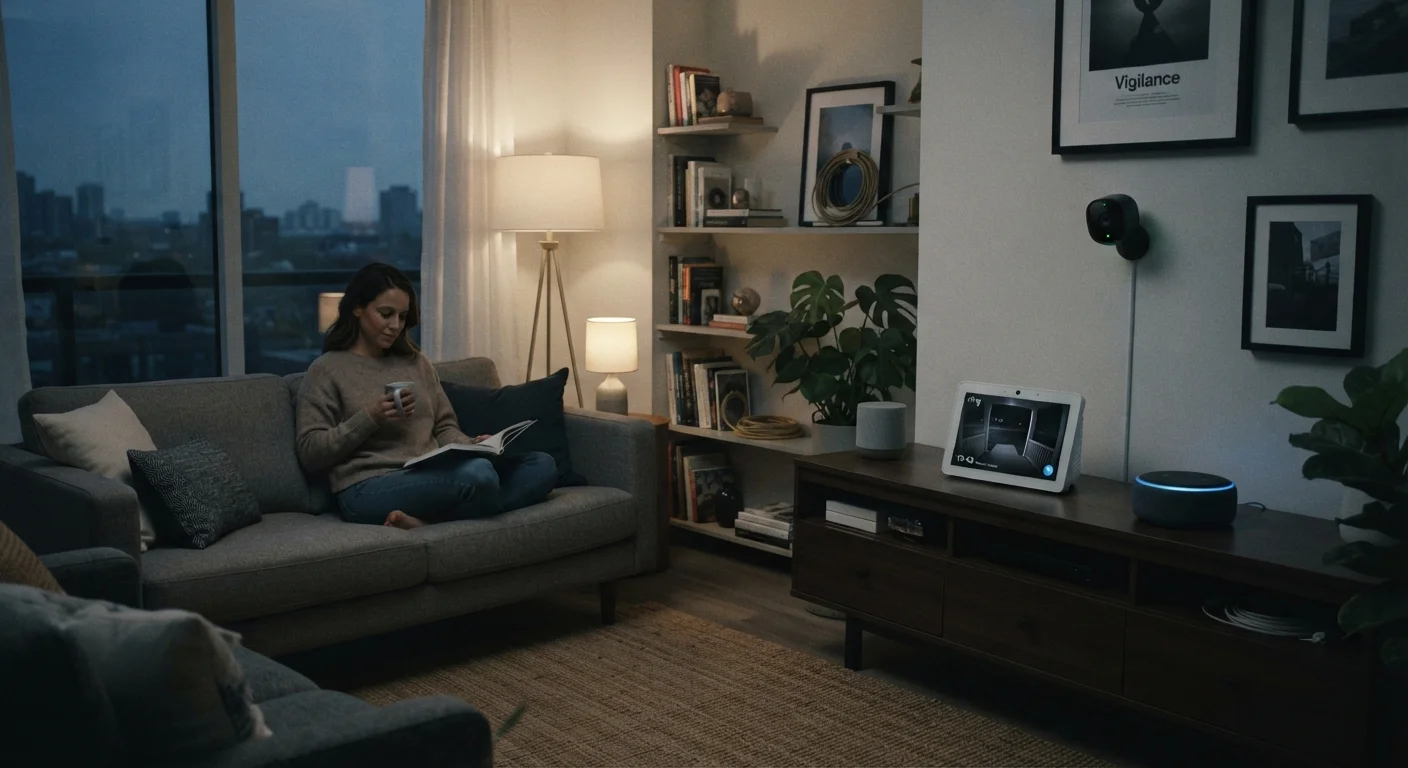
Photo: ScoutAnswers.com | Blogs That Ignite Curiosity editorial
Key Takeaways
- Always-on devices continuously listen or monitor so they can respond instantly to commands or motion.
- Voice assistants store audio clips on remote servers; most platforms let you review and delete them.
- Local processing keeps data on the device itself, while cloud processing sends it to external servers.
- Reviewing app permissions and adjusting microphone or camera access settings meaningfully reduces exposure.
- No smart device is zero-risk, but informed configuration choices make a significant difference.
Instant, hands-free response to commands
Always-on listening enables near-instant activation without unlocking a device or opening an app, which is genuinely useful for accessibility, cooking, or driving scenarios.
Continuous home monitoring without manual activation
Video doorbells and indoor cameras log events as they happen, providing footage that manual-activation cameras would miss entirely.
Automation that adapts to presence and routines
Occupancy-sensing devices can adjust lighting, temperature, and locks in real time, reducing energy use and improving comfort without repeated manual input.
Remote visibility and peace of mind
Always-on cameras allow homeowners to check in remotely during travel or work, which many users report as a meaningful reduction in everyday worry.
Accessible interface for users with mobility limitations
Voice-activated always-on devices remove physical barriers for people who find touchscreen or keyboard interfaces difficult, broadening access to connected home functionality.
Audio clips stored on remote servers by default
Most voice assistant platforms send triggered audio - and occasionally mis-triggered audio - to cloud servers for processing and, in some cases, human review for quality improvement. Default retention periods vary by platform.
False activations capture unintended conversations
Wake-word detection is imperfect; background speech, TV dialogue, or similar-sounding words can trigger recording. Users typically have no real-time indication when this happens.
Data used to build behavioral and interest profiles
Interaction logs - what you ask, when, and how often - can feed advertising and product personalization systems, often disclosed only in lengthy privacy policies.
Video footage creates persistent surveillance records
Indoor and outdoor cameras accumulate footage that may be stored in the cloud for days or weeks, creating a detailed log of household activity and visitor patterns.
Third-party data sharing with unclear scope
Platform privacy policies commonly permit sharing aggregated or processed data with business partners. The exact downstream use is rarely transparent to end users.
Security vulnerabilities expose stored data
Because always-on devices maintain persistent network connections and cloud accounts, a breach of either the device or the cloud platform can expose historical recordings and footage.
What 'Always-On' Actually Means
The phrase always-on describes devices that maintain a continuous low-power listening or monitoring state - waiting for a trigger before taking action. A smart speaker, for example, runs a local keyword-detection model at all times so it can recognize its wake word. A video doorbell streams a live feed and flags motion events without requiring you to open an app first.
This architecture is deliberate. Responsiveness is the core value proposition: the half-second delay of opening an app and issuing a command would undermine the whole point. But the technical requirement of staying perpetually ready is inseparable from questions about what gets recorded along the way.
Understanding the distinction between local and cloud processing helps clarify the risk. Devices that handle data on the hardware itself expose far less than those that relay audio or video to remote servers for analysis. See how local versus cloud processing differs and what it means for your privacy and reliability.
The Pros: Why People Accept the Trade-Off
The popularity of always-on devices is not irrational. There are concrete, well-documented benefits that explain widespread adoption.
Instant, hands-free response to commands
Always-on listening enables near-instant activation without unlocking a device or opening an app, which is genuinely useful for accessibility, cooking, or driving scenarios.
Continuous home monitoring without manual activation
Video doorbells and indoor cameras log events as they happen, providing footage that manual-activation cameras would miss entirely.
Automation that adapts to presence and routines
Occupancy-sensing devices can adjust lighting, temperature, and locks in real time, reducing energy use and improving comfort without repeated manual input.
Remote visibility and peace of mind
Always-on cameras allow homeowners to check in remotely during travel or work, which many users report as a meaningful reduction in everyday worry.
Accessible interface for users with mobility limitations
Voice-activated always-on devices remove physical barriers for people who find touchscreen or keyboard interfaces difficult, broadening access to connected home functionality.
For households weighing whether to add more devices, managing a growing fleet of connected devices becomes an important skill alongside evaluating privacy settings.
The Cons: Where the Privacy Costs Hide
The disadvantages are real and worth naming precisely - not to create alarm, but because vague discomfort is harder to address than specific, understood risks.
Audio clips stored on remote servers by default
Most voice assistant platforms send triggered audio - and occasionally mis-triggered audio - to cloud servers for processing and, in some cases, human review for quality improvement. Default retention periods vary by platform.
False activations capture unintended conversations
Wake-word detection is imperfect; background speech, TV dialogue, or similar-sounding words can trigger recording. Users typically have no real-time indication when this happens.
Data used to build behavioral and interest profiles
Interaction logs - what you ask, when, and how often - can feed advertising and product personalization systems, often disclosed only in lengthy privacy policies.
Video footage creates persistent surveillance records
Indoor and outdoor cameras accumulate footage that may be stored in the cloud for days or weeks, creating a detailed log of household activity and visitor patterns.
Third-party data sharing with unclear scope
Platform privacy policies commonly permit sharing aggregated or processed data with business partners. The exact downstream use is rarely transparent to end users.
Security vulnerabilities expose stored data
Because always-on devices maintain persistent network connections and cloud accounts, a breach of either the device or the cloud platform can expose historical recordings and footage.
Checking Your Device's Privacy Dashboard
Several regulators and consumer advocacy groups have published research on how voice assistant recordings are used for product improvement, advertising profiling, and occasional human review. Policies vary by platform and change over time, so checking the current privacy settings dashboard for any device you own is more reliable than relying on general descriptions.
Practical Steps to Reduce Your Exposure
No configuration eliminates all data collection - that would defeat the purpose of these devices. But deliberate settings choices meaningfully narrow what gets recorded and retained.
- Review voice history regularly. Most platforms provide an activity dashboard where you can listen to stored clips and delete them individually or in bulk. Setting a recurring reminder to do this quarterly is a simple habit.
- Restrict microphone and camera permissions. On smartphones and tablets that control smart home apps, audit which apps have persistent access versus only while in use.
- Disable features you don't use. If a doorbell's facial-recognition feature isn't something you actively rely on, turning it off reduces data generated.
- Segment your network. Placing smart devices on a separate Wi-Fi network (many routers support a guest VLAN) limits what those devices can see about your other traffic.
For a more structured review, the smart home security audit checklist covers router settings, firmware updates, and app permissions in one place.
1 in 4
US adults who own a smart speaker
Pew Research Center data indicates roughly a quarter of American adults report owning a voice-activated smart speaker, underscoring how mainstream always-on audio devices have become.
~19%
False activation rate for smart speakers
Academic research published in peer-reviewed privacy and security venues has estimated that some devices activate without a deliberate wake word in roughly 1-in-5 interactions under typical household conditions.
It's also worth examining what you believe about these devices versus what's actually documented. Common myths about smart home devices separates widely repeated misconceptions from the evidence - including the nuanced reality of how wake-word detection actually works.
The content on this site is for informational purposes only and is not a substitute for professional advice. Always consult a qualified professional for guidance specific to your situation.