
Managing a Growing Fleet of Connected Devices at Home

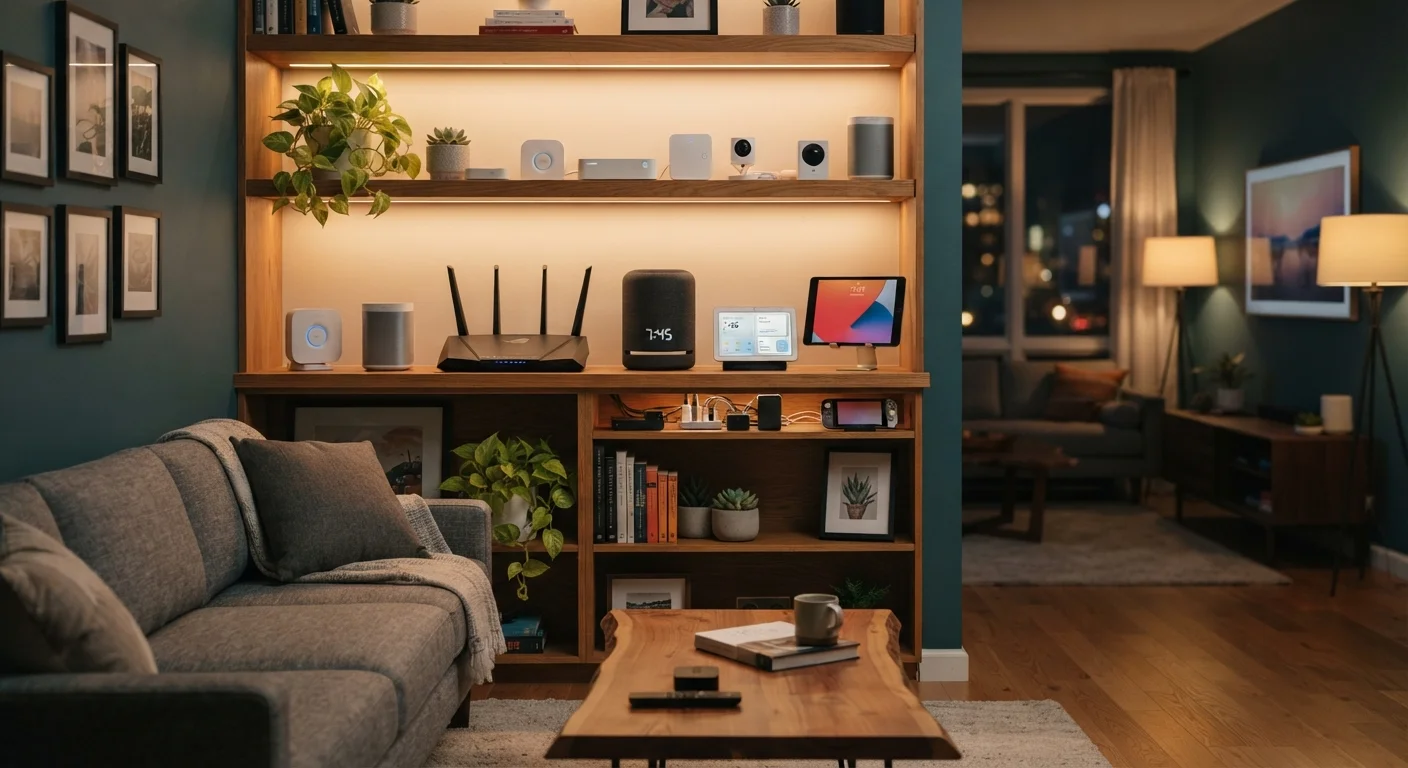
Photo: ScoutAnswers.com | Blogs That Ignite Curiosity editorial
Key Takeaways
- Maintaining a simple inventory of all connected devices helps you track updates and spot unauthorized additions.
- Segmenting devices onto separate network zones reduces the risk that one compromised device affects others.
- Enabling automatic firmware updates where available is one of the most effective low-effort security steps.
- Periodically auditing and removing unused devices shrinks your household's overall attack surface.
- Using a password manager and unique credentials for each device account significantly limits account takeover risk.
Why Fleet Management Matters at Home
The average U.S. household now connects a dozen or more devices to its home network - smart TVs, thermostats, doorbells, speakers, game consoles, and more. Each device represents a potential entry point for security problems, a maintenance obligation, and a source of network congestion. Without a deliberate approach, that collection quickly becomes difficult to oversee.
Managing your device fleet isn't about being a network administrator. It's about applying a few consistent habits that keep your home running smoothly and safely. If you're just getting started with smart home technology, the foundational concepts are worth understanding before layering on more devices. For households already running a larger setup, the practices below help bring order to what can otherwise become an unmanageable tangle.
17+
Average connected devices per U.S. household
According to Deloitte's 2023 Digital Consumer Trends survey, U.S. households reported an average of 17 or more internet-connected devices.
57%
IoT devices vulnerable to medium- or high-severity attacks
A Palo Alto Networks Unit 42 report found that 57% of IoT devices are vulnerable to medium- or high-severity attacks, often due to outdated firmware.
Core Practices for Staying in Control
The following practices are drawn from widely accepted guidance in home networking and consumer cybersecurity. None require specialized tools or deep technical knowledge - consistency matters more than complexity.
Maintain a running inventory of every device connected to your network.
Enable automatic firmware updates on every device that supports them.
Use unique, strong passwords and a dedicated account for each device ecosystem.
Isolate lower-trust devices onto a separate network segment.
Decommission devices you no longer actively use.
Network Organization: The Foundation of Device Control
How you structure your home network shapes almost every other aspect of device management. Keeping all devices on a single flat network - where a smart refrigerator and a personal laptop share the same broadcast domain - means a problem with one can spread to others.
Segmenting your network into zones is a practical solution. Most modern routers support a guest network, which can serve as a dedicated segment for lower-trust devices like smart bulbs, cameras, and voice assistants. For a detailed walkthrough of how to set this up, see how guest Wi-Fi networks work. Households experiencing frequent disconnections should also review common causes of device dropoffs, which often stem from network configuration issues rather than device defects.
Label Your Devices in the Router Interface
Beyond segmentation, router-level settings - including changing default admin passwords and disabling remote management - form the baseline described in home network security fundamentals.
Privacy, Auditing, and Long-Term Upkeep
Device management isn't a one-time task. As manufacturers push updates, change terms of service, or discontinue products, the risk profile of individual devices shifts. A quarterly review - checking firmware versions, reviewing app permissions, and confirming which devices are still in use - keeps your posture current.
Privacy is a related dimension that's easy to overlook. Always-on devices like smart speakers and video doorbells continuously process audio or visual data, sometimes sending it to cloud servers for analysis. Understanding those trade-offs is covered in depth in the privacy trade-offs of always-on devices. For a broader look at how your devices, apps, and cloud services interact as a system, the connected home ecosystem overview provides useful context.
When a device reaches end-of-life - meaning the manufacturer no longer issues security updates - continued use carries meaningful risk. Manufacturers are generally required to disclose end-of-support dates, and this information is typically available on their support pages. Devices past that threshold should be evaluated for replacement or isolation from sensitive network segments.
The content on this site is for informational purposes only and is not a substitute for professional advice. Always consult a qualified professional for guidance specific to your situation.