
Smart Home Security Audit: What to Check Before You Feel Safe

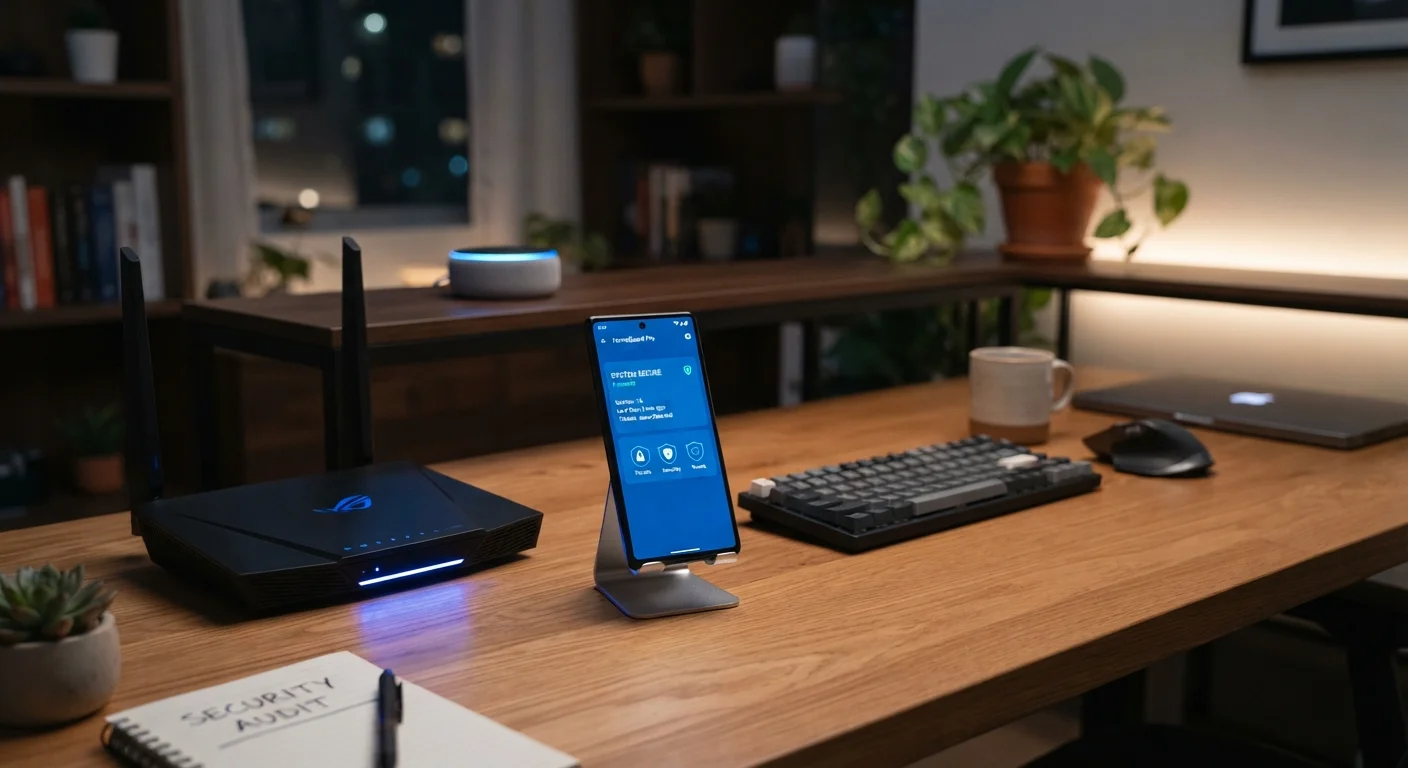
Photo: ScoutAnswers.com | Blogs That Ignite Curiosity editorial
Key Takeaways
- Default router passwords and network names are among the most commonly exploited weaknesses in home networks.
- Firmware updates patch known security vulnerabilities; outdated devices remain exposed even if other settings are correct.
- App permissions often extend well beyond what a device needs to function - reviewing them reduces unnecessary data exposure.
- Separating smart devices onto their own network segment limits how far a breach can spread.
- Disabling features you don't use - like remote access or UPnP - shrinks your attack surface meaningfully.
Why a Security Audit Matters for Connected Homes
The average U.S. household now runs more connected devices than most small offices did a decade ago - smart speakers, thermostats, security cameras, locks, doorbells, and more. Each device is a node on your home network, and each one represents a potential entry point if it is misconfigured, outdated, or poorly secured.
The challenge is that setup rarely equals security. Manufacturers prioritize getting devices working quickly, which often means default settings favor convenience over protection. Once a device is running, most households never revisit its configuration. That is precisely the gap this audit is designed to close.
For a broader foundation, see securing your home network - it covers the core router practices that underpin everything else in this checklist. And if you want to understand what data your always-on devices may be collecting in the background, the hidden privacy trade-offs of always-on devices offers a clear breakdown.
Feeling Secure Is Not the Same as Being Secure
What to Gather Before You Start
Before working through the checklist, take five minutes to gather what you will need. Pull up your router's admin panel - typically accessed by typing your router's IP address (often 192.168.1.1 or 192.168.0.1) into a browser. Have your router's model number handy so you can look up the latest firmware version from the manufacturer's website. Collect the companion apps for every smart device in your home, and open your phone's system settings so you can review app permissions as you go.
It also helps to write down every connected device you own. Your router's admin panel usually shows a list of connected devices - cross-reference it with what you know you have. Unrecognized devices on that list warrant investigation before you proceed.
Router Admin Panel
Access your router's settings to update firmware, change credentials, configure network segments, and disable risky features.
Device Companion Apps
Use each smart device's official app to check firmware version, update software, and manage privacy and security settings.
Password Manager
Generate and store unique, strong passwords for each smart home account so credentials are never reused.
Router Network Map / Connected Devices List
Identify every device currently connected to your network to spot unauthorized or unknown connections.
Mobile OS Permission Settings (iOS / Android)
Review and restrict the permissions granted to smart home apps at the operating system level.
If you have more devices than you can easily track, managing a growing fleet of connected devices outlines practical ways to stay organized as your device count climbs.
The Audit Checklist
Work through the following groups in order. The router and network foundation items have the broadest impact - address those first before moving to individual devices. Mark each item as you complete it, and note anything that requires follow-up (such as a firmware update that needs a manufacturer's site, or an account that doesn't yet support 2FA).
Router & Network Foundation
Network Segmentation
Device Firmware & Software
App Permissions & Account Security
Cameras, Microphones & Always-On Devices
On network segmentation: one of the most practical steps you can take is putting smart devices on a separate network so that a compromised device cannot easily reach computers or phones storing sensitive information. Setting up a guest Wi-Fi network walks through how to do this with most modern routers.
End-of-Support Devices Carry Ongoing Risk
Changing Router Settings Can Disrupt Your Network
After the Audit: Keeping the Gains
A one-time audit improves your security posture - but connected home security is not a set-and-forget task. Manufacturers release firmware updates on rolling schedules, new vulnerabilities are discovered regularly, and the mix of devices in your home changes over time. Schedule a lightweight review every three to six months: check for firmware updates, confirm 2FA is still active on your accounts, and revisit app permissions after any major operating system update, which can sometimes reset or alter permission grants.
If you have questions about what smart devices are actually doing with your data between audits, common myths about smart home devices examined addresses several widely held misconceptions with evidence-based context.
Security is not a single achievement - it is an ongoing practice. Each time you work through this checklist, you reduce the gap between how secure your home feels and how secure it actually is.
The content on this site is for informational purposes only and is not a substitute for professional advice. Always consult a qualified professional for guidance specific to your situation.