
What Happens to Your Smart Home When the Internet Goes Down

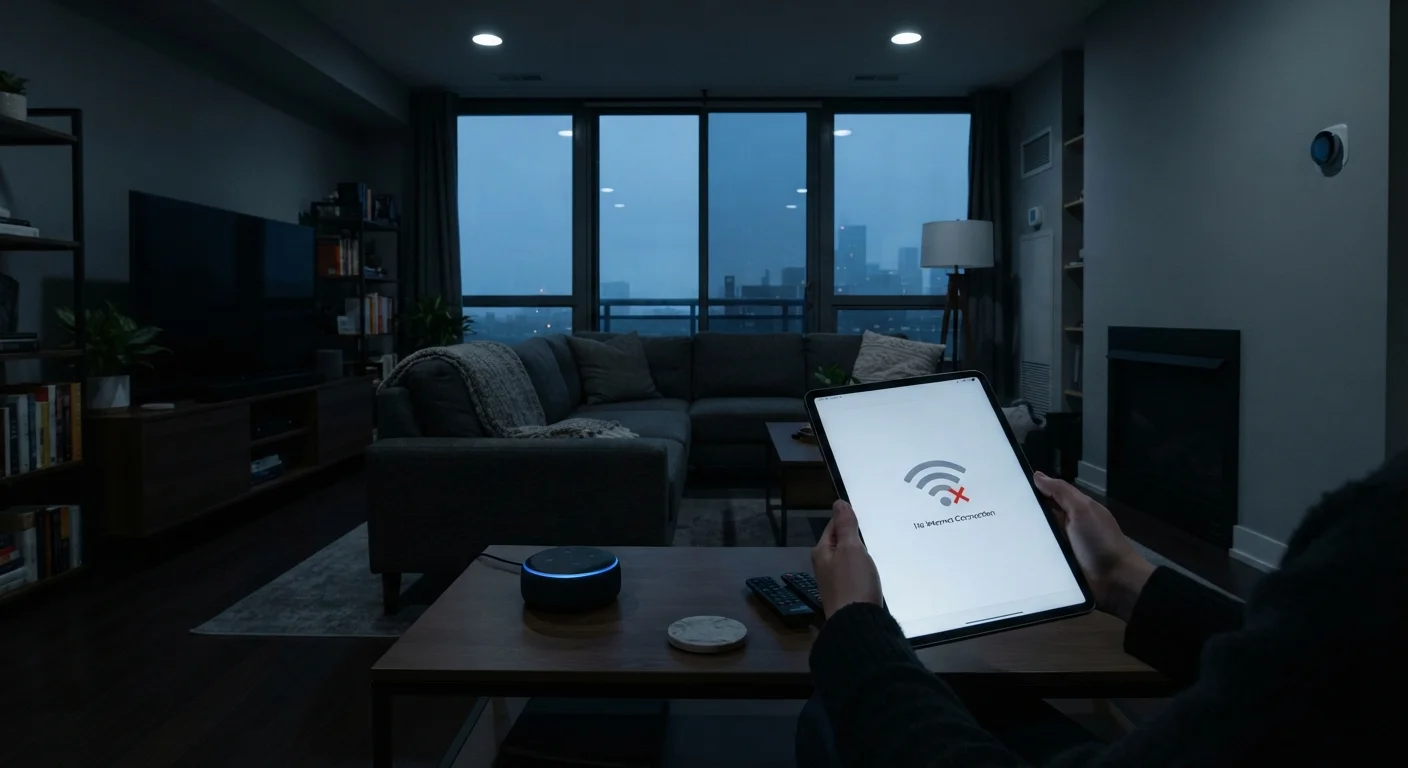
Photo: ScoutAnswers.com | Blogs That Ignite Curiosity editorial
Key Takeaways
- Cloud-dependent devices - including many smart speakers and video doorbells - can lose core functions during an internet outage.
- Devices with local control capability can still respond to in-home commands even when the internet is down.
- Smart locks, thermostats, and lights vary widely in offline behavior depending on manufacturer design.
- Protocols like Matter, Zigbee, and Z-Wave enable local communication that doesn't require an internet connection.
- Understanding local vs. cloud processing helps you anticipate gaps in your smart home's reliability.
The Cloud Dependency Most Smart Homes Share
A typical smart home runs on a layered system: devices connect to your Wi-Fi router, your router connects to the internet, and the internet reaches manufacturer servers in the cloud. When a voice assistant processes a command like "turn off the living room lights," that request often travels from your speaker to a remote server and back again before anything changes in your home. As explained in our connected home ecosystem overview, this cloud-routing is what enables features like remote access, AI-powered voice recognition, and automatic software updates.
The downside becomes obvious the moment your internet service goes down. Devices that rely entirely on cloud servers lose their ability to receive and process commands. A smart speaker may sit silent. An app-controlled plug may become unresponsive. A video doorbell may stop sending alerts. The extent of this disruption - and whether any fallback exists - varies considerably by device category and manufacturer.
~60%
Smart home devices that require cloud connectivity
Industry analyses consistently find the majority of consumer smart home devices depend on manufacturer cloud services for core functionality, not just optional features.
3-5 hrs
Typical U.S. residential internet outage duration
According to broadband reliability research, most unplanned residential outages resolve within a few hours, but that window is long enough to disrupt cloud-dependent automations.
Matter
Open standard requiring local control as baseline
The Matter smart home standard, maintained by the Connectivity Standards Alliance, mandates local operation capability so devices function without internet dependency.
What Typically Stops Working - and What Doesn't
Not all smart devices fail equally during an outage. Here's a practical breakdown by device type:
- Smart speakers and voice assistants: These are almost entirely cloud-dependent. Voice recognition and natural language processing happen on remote servers, so commands stop working without internet. Some speakers can still play locally stored audio or Bluetooth-paired content, but smart home control is largely offline.
- Smart thermostats: Most retain basic on-device temperature control. You can typically adjust settings manually at the unit. App access and voice commands routed through cloud assistants, however, require internet.
- Smart locks: Keypad codes, physical keys, and biometric readers generally continue working at the door. Remote locking, access logs, and temporary code generation usually do not.
- Smart lighting: Behavior varies widely. Some bulbs become simple on/off devices controllable only by a physical switch. Others with local hub support or built-in local processing continue to respond to in-home commands.
- Security cameras: Cloud-upload cameras stop saving footage remotely. Cameras with local storage (SD card or NAS) continue recording. Live remote viewing and motion alerts typically go offline.
For a deeper look at why processing location matters, see our article on local vs. cloud processing in smart devices.
How Local Control Changes the Equation
Devices designed around local control behave fundamentally differently during an outage. Instead of routing commands through the cloud, they communicate directly within your home network - between a hub, a smartphone on the same Wi-Fi network, or device to device using a short-range radio protocol.
Technologies like Zigbee and Z-Wave are mesh radio protocols that let compatible devices talk to each other and to a central hub without touching the internet at all. The emerging Matter standard, backed by major manufacturers, is specifically designed to enable local operation as a baseline requirement - meaning a Matter-certified device should be able to respond to in-home commands even when offline.
If a local hub is present and running on battery backup or a UPS (uninterruptible power supply), automations set up within the hub can continue firing during an outage. A motion sensor can still trigger lights. A door sensor can still set off a local alarm. The limitation is anything that requires cloud-dependent services - weather data, voice recognition, or remote access - which will remain unavailable until connectivity is restored.
Check for Manual Fallback Before You Buy
Practical Considerations for Outage Preparedness
Understanding your system's offline behavior before an outage occurs is genuinely useful. A few questions worth asking about each device you own: Does it have a manual override? Does it store data locally? Does it require the manufacturer's servers just to function at home?
Our guide on what a smart home actually is and how it works covers how these device layers connect - which helps explain why some systems are inherently more resilient than others. Separately, if your devices frequently drop off the network even under normal conditions, that's a related reliability issue covered in our article on why smart devices keep dropping off the network.
No smart home setup is fully immune to disruption during an outage. The most resilient systems tend to combine local-control capable devices, a stable local hub, and clear knowledge of which functions will and won't survive when the internet link breaks. That knowledge - more than any particular product - is the real foundation of a dependable connected home.
Frequently Asked Questions
The content on this site is for informational purposes only and is not a substitute for professional advice. Always consult a qualified professional for guidance specific to your situation.