
What Internet Speed Numbers Actually Mean for Your Household

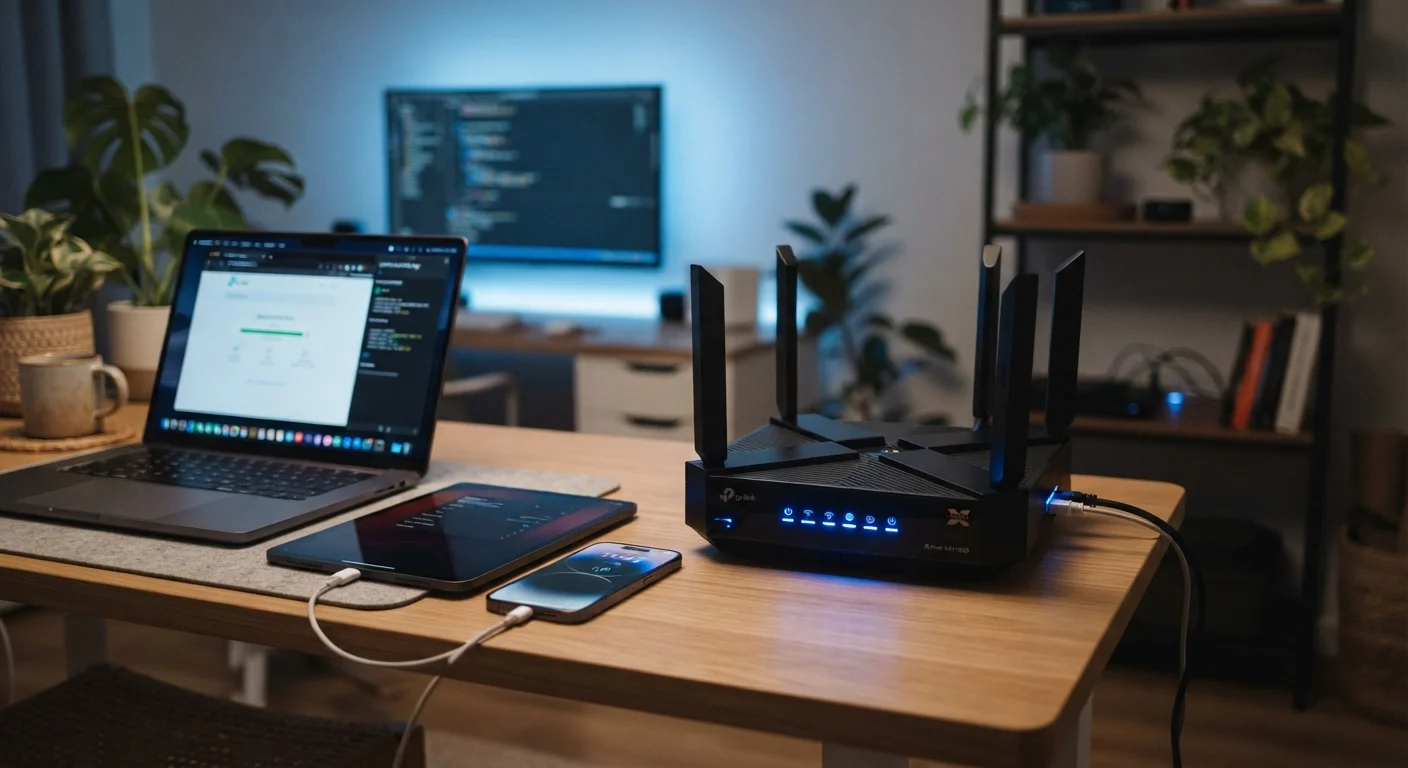
Photo: ScoutAnswers.com | Blogs That Ignite Curiosity editorial
Key Takeaways
- Download speed affects streaming, browsing, and gaming; upload speed matters most for video calls and cloud backups.
- Mbps and Gbps measure bandwidth capacity, not responsiveness - latency is a separate, equally important factor.
- A household's realistic speed need is the sum of simultaneous usage across all devices and users.
- Advertised speeds are theoretical maximums; actual speeds vary based on network congestion and home setup.
- Symmetrical upload and download speeds - common with fiber - benefit remote workers and content creators significantly.
Mbps and Gbps: What the Numbers Actually Represent
Every internet plan advertises a speed - 100 Mbps, 500 Mbps, 1 Gbps - but these figures rarely come with a plain explanation of what they mean in practice. Mbps stands for megabits per second, a measure of how much data your connection can move every second. Gbps - gigabits per second - is simply 1,000 Mbps. Think of it like a pipe: the higher the Mbps, the wider the pipe, and the more data can flow through it simultaneously.
One important distinction: these speeds are measured in bits, not bytes. File sizes are typically shown in bytes (MB, GB), while connection speeds are in bits (Mbps, Gbps). Because there are 8 bits in a byte, a 100 Mbps connection can transfer roughly 12.5 megabytes per second - meaning a 1 GB file would take about 80 seconds to download under ideal conditions. For a deeper glossary of broadband terminology, see the Home Internet Glossary.
Download vs. Upload: Two Different Numbers With Different Jobs
Most plans list two speeds: download and upload. Download speed determines how quickly data arrives at your devices - it governs streaming video, loading web pages, downloading files, and receiving video call feeds. Upload speed determines how quickly your devices send data out - it drives the quality of video you transmit on calls, how fast you back up photos to the cloud, and how smoothly you can share large files.
Cable internet plans are typically asymmetrical - offering, for example, 300 Mbps download but only 20-30 Mbps upload. Fiber connections are more often symmetrical, meaning upload and download speeds match. For a household with remote workers, streamers, or anyone who regularly shares large files, that upload speed gap matters considerably. You can explore how these technologies differ in our article on fiber, cable, DSL, and fixed wireless.
100/20 Mbps
FCC's updated broadband speed benchmark
The FCC raised its fixed broadband definition to 100 Mbps download and 20 Mbps upload in 2024, reflecting growing household demand.
~8x
Bits-to-bytes conversion factor
Because there are 8 bits per byte, a 100 Mbps plan transfers roughly 12.5 MB per second - a figure that matters when estimating real download times.
15-25 Mbps
Bandwidth needed per 4K stream
Streaming services including Netflix recommend 15-25 Mbps per device for stable 4K Ultra HD playback, according to their published support documentation.
How to Calculate What Your Household Actually Needs
The right speed isn't a single universal number - it's the sum of what everyone in your home does simultaneously at peak times. Each activity has a rough bandwidth requirement:
- Standard HD video streaming (1080p): approximately 5-8 Mbps per stream
- 4K Ultra HD streaming: approximately 15-25 Mbps per stream
- Video conferencing (standard quality): approximately 3-5 Mbps up and down
- Online gaming: typically low bandwidth (3-6 Mbps) but highly sensitive to latency
- General web browsing and email: usually under 5 Mbps
Add up the peak concurrent usage across all devices and users to arrive at a realistic floor. A four-person household with two 4K streams, one video call, and one gaming session running simultaneously needs roughly 60-80 Mbps just to avoid congestion - plus headroom for background app updates and smart home devices.
Build In a Buffer When Estimating Your Speed Needs
Why Advertised Speeds Don't Always Match Your Experience
Advertised speeds reflect the theoretical maximum a plan can deliver under ideal conditions, not a guaranteed floor. Real-world performance depends on several variables: network congestion during peak hours, the age and placement of your home router, interference from neighboring Wi-Fi networks, and whether you're connected via Ethernet or Wi-Fi. A device at the far end of a house with walls and appliances between it and the router may see a fraction of the plan's advertised speed.
This gap between marketed speed and experienced speed is one of the most common sources of subscriber frustration. If your connection consistently underperforms, knowing how to properly test and interpret results is a practical next step - our guide on how to test and interpret your home internet speed walks through the right conditions for an accurate measurement. It's also worth reading about common speed myths that can lead subscribers to overpay for capacity they don't need.
Frequently Asked Questions
The content on this site is for informational purposes only and is not a substitute for professional advice. Always consult a qualified professional for guidance specific to your situation.