
Streaming Devices Compared: How Sticks, Boxes, and Built-In TVs Handle Your Content Differently

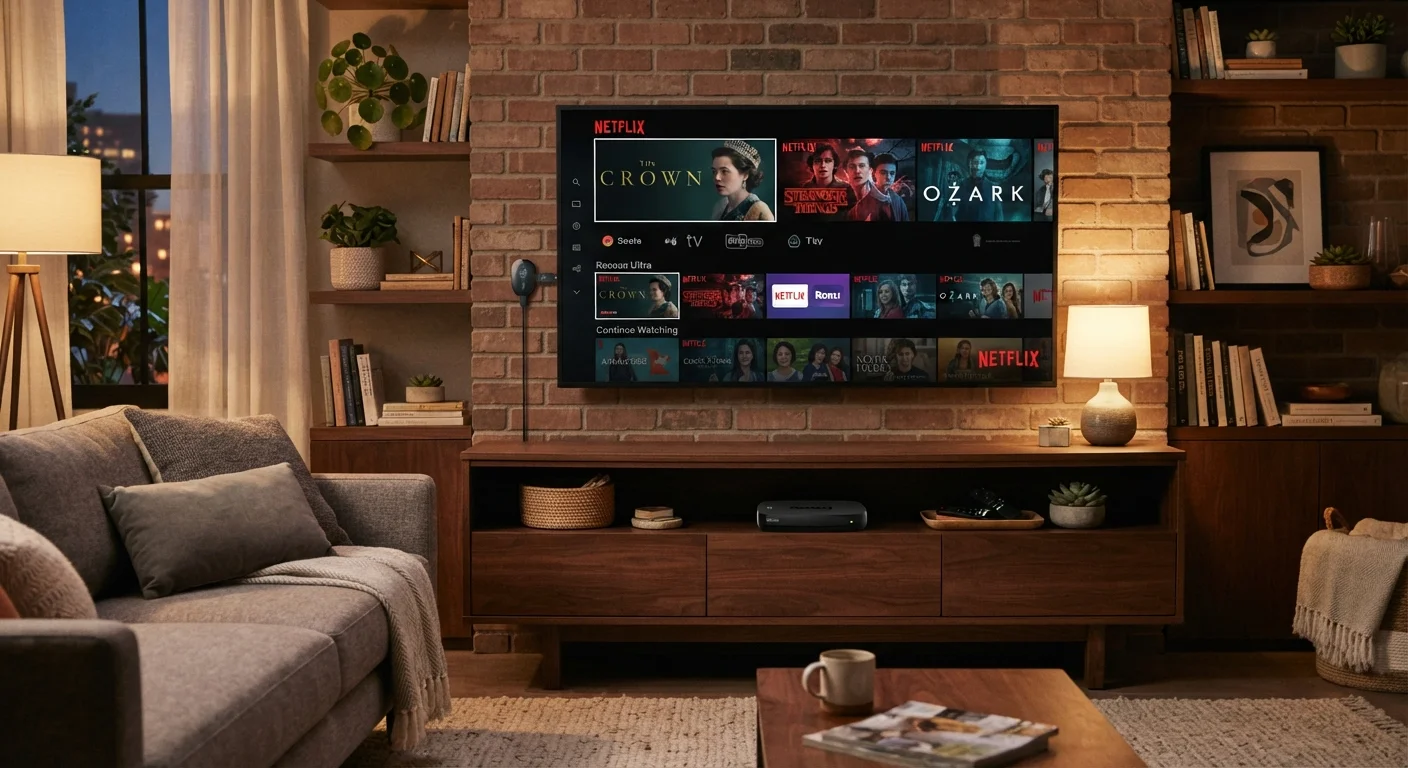
Photo: ScoutAnswers.com | Blogs That Ignite Curiosity editorial
Key Takeaways
- Streaming sticks are compact and portable but depend on USB or wall power and may run slower over time.
- Dedicated streaming boxes typically offer more processing power, storage, and connectivity options than sticks.
- Built-in smart TVs eliminate extra hardware but tie you to the manufacturer's software ecosystem for the TV's lifespan.
- Your home internet connection quality matters more than the device type for consistent streaming performance.
- Switching costs - app availability, remote learning curves, ecosystem lock-in - are worth considering before committing.
How Each Device Type Delivers Your Content
Every streaming device does the same fundamental job: it requests video data over your home internet connection, decodes it, and sends it to your display. What differs is the hardware doing that work - and those differences show up in responsiveness, app availability, and how long the device stays usable as streaming formats evolve.
Streaming sticks (small dongles that plug directly into an HDMI port) draw power from a USB port on your TV or a wall adapter. Their compact size means constrained processors and limited RAM, which can cause sluggish menu navigation on older sticks. Most support up to 4K and HDR on current models, but because the hardware is sealed, you cannot upgrade components.
Dedicated streaming boxes connect to the HDMI port via a short cable and sit on your media stand. They generally include more capable processors, more onboard storage for caching, and additional ports - ethernet, USB, sometimes even optical audio output. This headroom typically translates to faster load times and more stable performance during software updates.
Built-in smart TVs integrate the streaming hardware into the TV's main board. There is no extra device to manage, but you are permanently tied to the TV manufacturer's operating system. Software updates depend entirely on whether the manufacturer continues to support that model - and support cycles vary considerably across brands.
Understanding how your internet connection actually delivers data is equally important, because even a capable streaming device will buffer on an unreliable connection.
Comparing the Key Trade-Offs
The table below breaks down the most practical differences across all three approaches. These represent general characteristics of each device category rather than any specific product.
| Streaming Stick | Streaming Box | Built-In Smart TV | |
|---|---|---|---|
| Additional hardware required | Yes (stick + adapter) | Yes (box + cables) | None |
| Processing power | Limited | Moderate to high | Varies by TV model |
| Ethernet connectivity | Rarely available | Common on most models | Available on some models |
| Portability | High - travels easily | Moderate - still compact | None - fixed to display |
| Software update longevity | 3-5 years typical | 4-6 years typical | Tied to manufacturer support |
| Replaceability without new TV | Yes, inexpensive | Yes, moderate cost | No - requires new TV |
| App store breadth | Generally broad | Generally broad | Curated, may be narrower |
One dimension the table cannot fully capture is software longevity. A streaming stick or box can be replaced independently when it no longer receives updates, for a fraction of the cost of a new TV. With a built-in smart TV, a software platform reaching end-of-life means the entire display becomes less capable - apps may stop updating or disappear entirely while the screen hardware is still functioning well.
It is also worth checking common misconceptions about smart home devices before making assumptions about privacy, setup complexity, or network demands.
App Ecosystems and Content Availability
The streaming device you choose determines which apps you can access - and this is not always straightforward. Most major services (Netflix, Hulu, YouTube, Disney+) are available across all three form factors. The gap appears with niche services, sports streaming apps, and regional content providers, which may support some platforms and not others.
Built-in TV operating systems such as those found in major TV lineups often include a curated app store with a more limited selection than standalone streaming platforms. If you rely on a specific app that is not present in a TV's built-in store, you would need to add an external device anyway - partially negating the convenience argument for built-in smart TVs.
Check App Availability Before Committing
Voice assistant integration has become standard across all three categories. However, the assistant available - and how deeply it integrates with your other connected devices - varies. If you already use a particular smart home ecosystem, verify that your streaming device works with it before purchasing. See also our look at how smart speakers and smart displays fit into a connected home for broader context on ecosystem choices.
Network Requirements and Real-World Performance
All three device types benefit from a strong, stable Wi-Fi signal - but they handle network variability differently. Streaming boxes with ethernet ports can bypass Wi-Fi congestion entirely, which is a meaningful advantage in households with many connected devices or thick walls that degrade wireless signals.
Sticks rely entirely on Wi-Fi. Their internal antennas are smaller than those in boxes, which can mean lower signal reception in challenging environments. If your streaming room is far from your router, a stick may underperform relative to what your internet plan theoretically provides. Internet speed is often misunderstood - raw Mbps matters less than latency and connection consistency for streaming.
Built-in smart TVs vary: some higher-end models include ethernet ports, while many mid-range sets are Wi-Fi only. Check the specifications of your specific TV model rather than assuming based on price tier.
Households that have invested in quality built-in furniture setups may also find that cable management and device footprint factor into the decision - a point explored in a different context in our piece on built-in versus freestanding storage trade-offs.
The content on this site is for informational purposes only and is not a substitute for professional advice. Always consult a qualified professional for guidance specific to your situation.